V2.0
TM
FENIEX. 2016 INSTRUCTION MANUAL
WEB. www.feniex.com
6
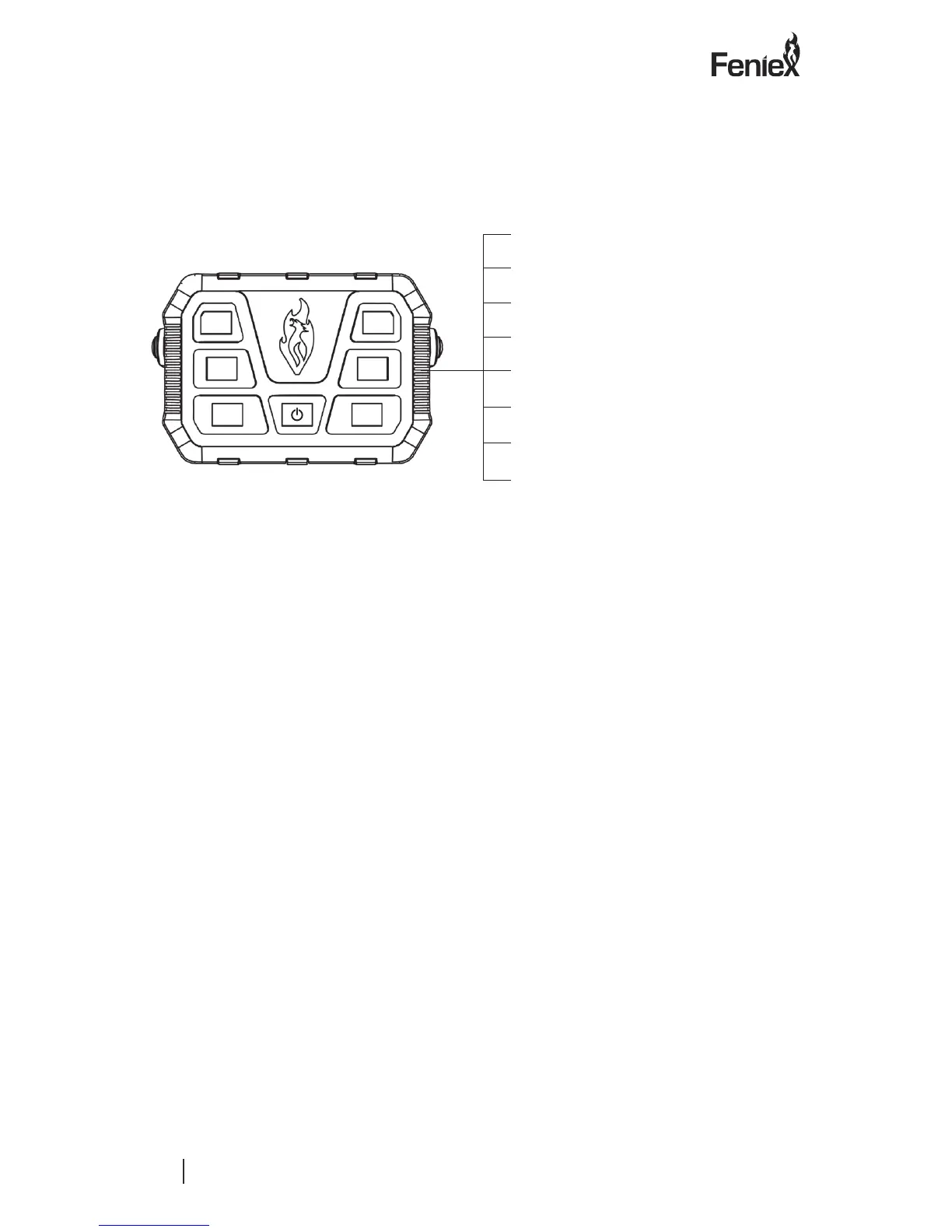
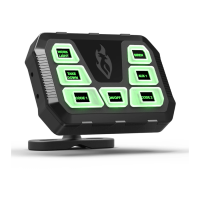
Wiring Diagram
Wiring Diagram
Blue wire= Activated by switch 3
Yellow wire= Activated by switch 4
Brown wire= Activated by switch 5
Grey wire= Activated by switch 6
White wire= Activated by switch 2
Green wire= Activated by switch 1
Black wire= Ground 12V (-)
Red wire= On: 12V (+)
Programming Instructions:
1.) Setting button as momentary:
• Press the “On/O” button to turn
the system o.
• Press and hold the desired
button you wish to program as
momentary.
• Continue holding the selected
button while holding down the
“On” button for 3 seconds. A beep
will sound when programmed.
• The button is now set as a
momentary button. To reverse the
function, repeat the steps above.
2.) Setting wig-wag functionality:
• Press the “On/O” button to turn
the system o.
• Press and hold buttons 1 and 2
simultaneously.
• Continue holding buttons 1 and
2 while holding down the “On”
button for 3 seconds. A beep will
sound when programmed.
• You have now enabled button 1 as
the “On/O” for wig-wag and the
button 2 as the pattern select.
• To reverse the functionality, repeat
the steps above.
1
3
5
2
4
6


 To Next Page