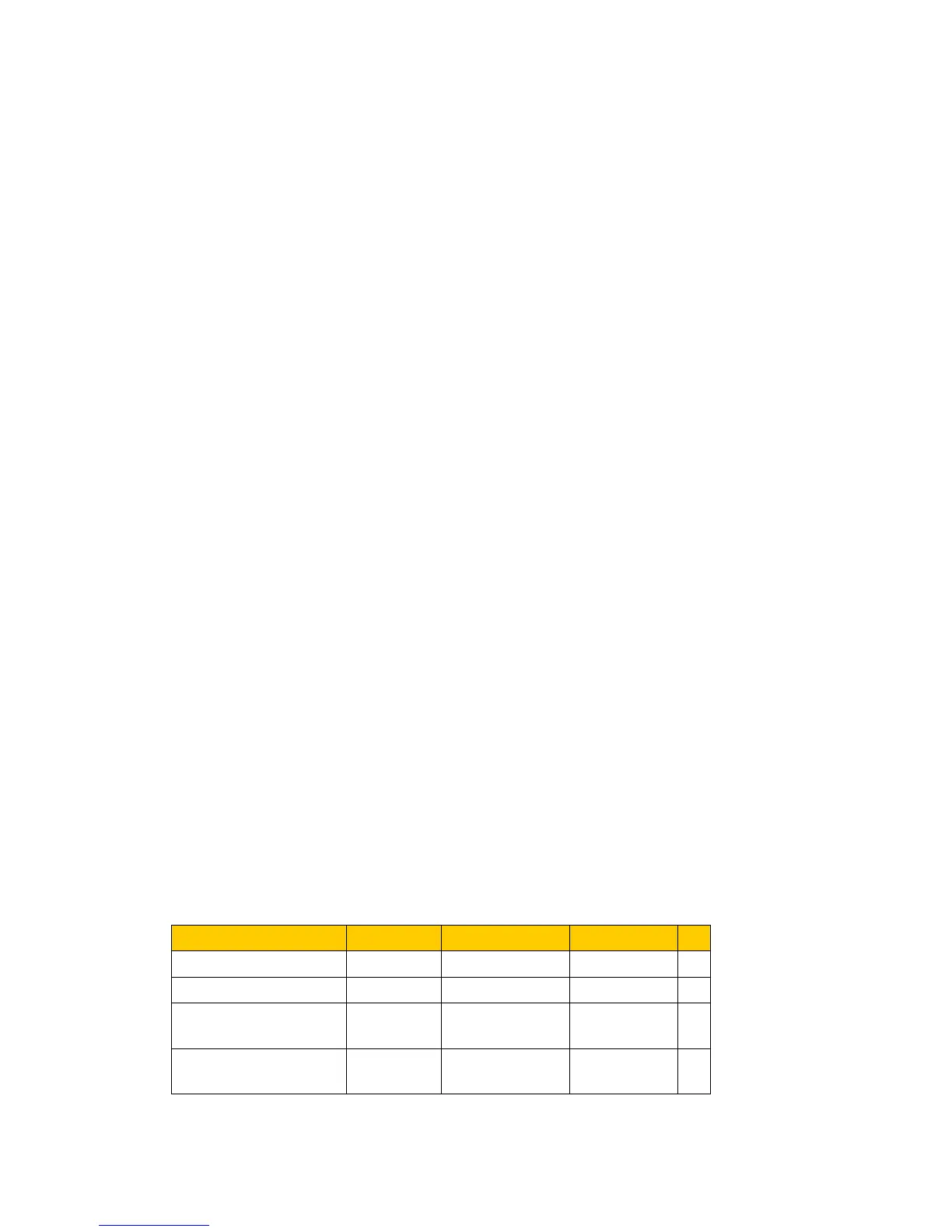
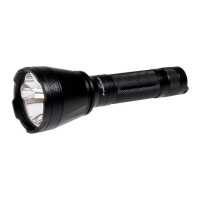
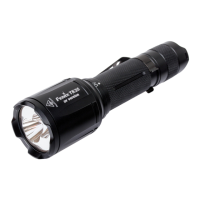
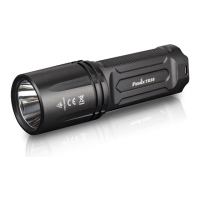
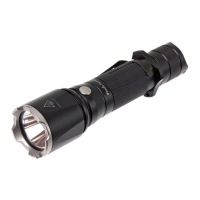
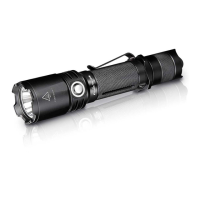
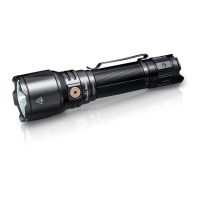
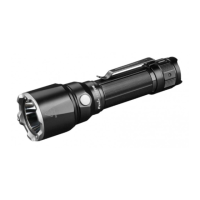
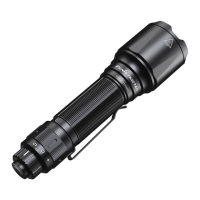
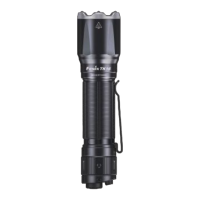
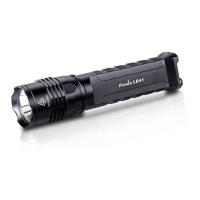
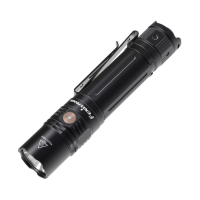
◎ Uses eight 1.5V AA (Ni-MH, Alkaline) batteries
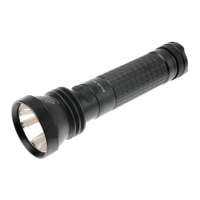
◎ 213.6mm (Length)﹡40mm (Diameter)﹡62.5mm(Head)
◎ 318.5-gram weight (excluding batteries)
◎ Digitally regulated output - maintains constant brightness
◎ Reverse polarity protection, to protect from improper battery installation
◎ Dual switch system in the front, easy operation
◎ Made of durable aircraft-grade aluminum
◎ Premium Type III hard-anodized anti-abrasive finish
◎ Toughened ultra-clear glass lens with anti-reflective coating
Notice: The above-mentioned parameters (tested by 2500mAh Ni-MH batteries in Lab) are
approximate and may vary between flashlights, batteries, and environments.
Operation Instruction
The right side button is a power switch button; a single press on it can turn the light on/off. The
left side button is a mode switch button;
When turn on the light, it will enter into the default general mode. A fast double press on the
power switch button can select between the general mode and the flashing mode.
In the general mode, press the mode switch button once to select various brightness levels in the
order of Turbo→Low→Mid→High→Cycle.
In the flashing mode, press the mode switch button to choose different flashing functions in the
order of Strobe→SOS→Cycle.
The circuit can memorize any brightness level in any mode. When turning on the flashlight again
or shifting the mode, it will enter into the output when turned off.
Battery Replacement


 To Next Page