INSTALLATION OF STB
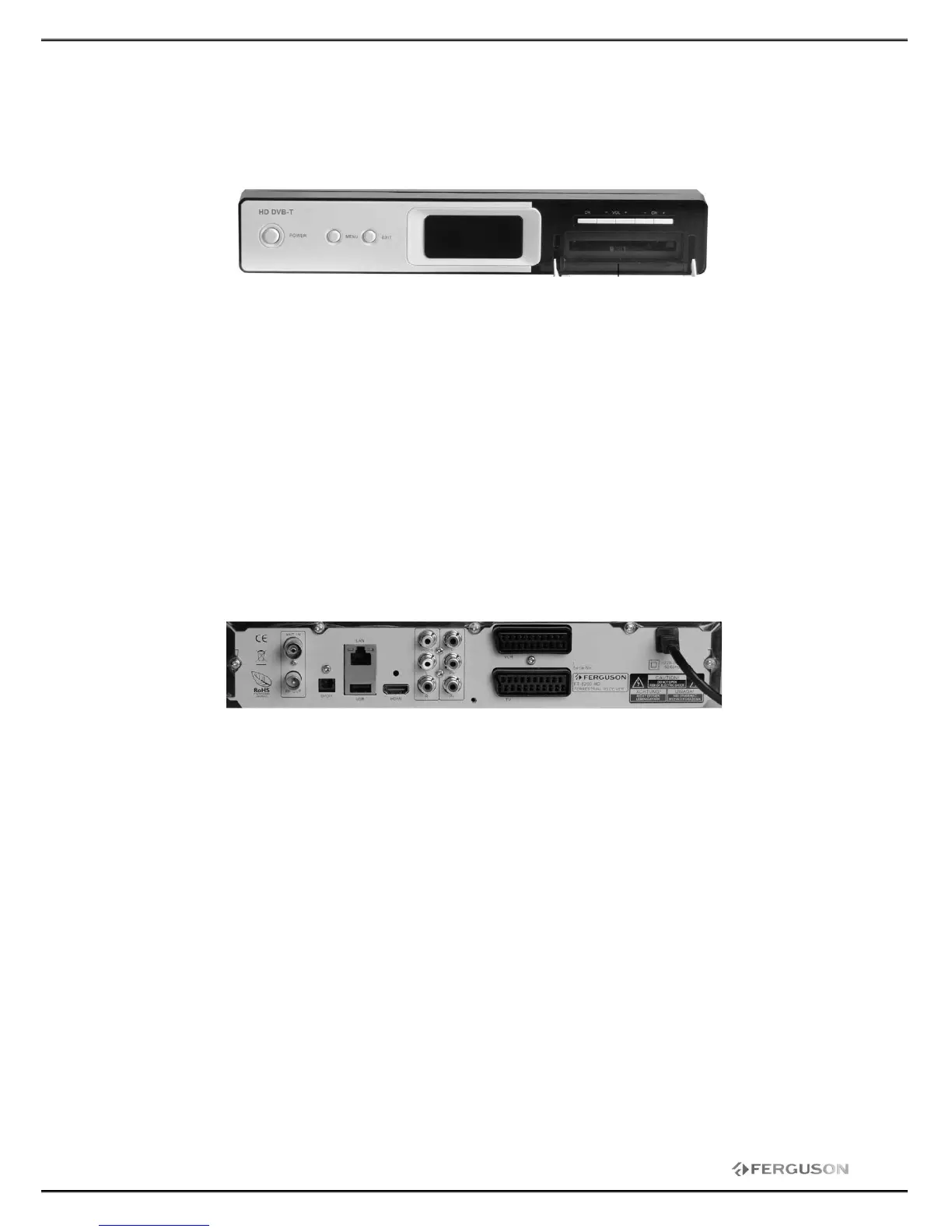
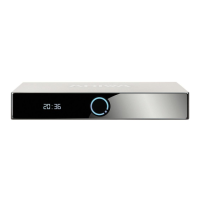
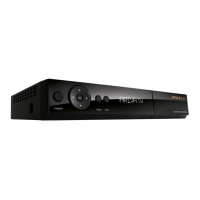
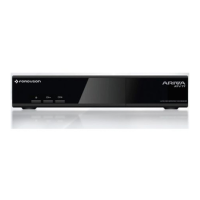
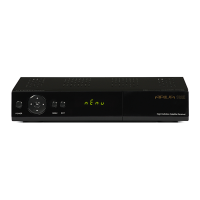
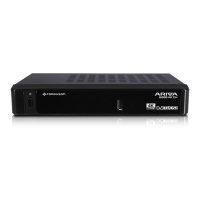
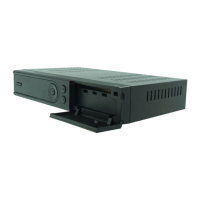
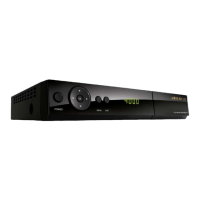
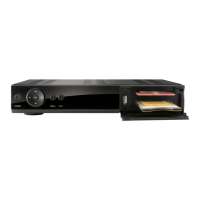
1. Front Panel
【POWER】Press to switch between ON and OFF modes.
【MENU】Display the main menu on TV
【EXIT】Return to the previous menu.
【OK】Confirm user’s selection or display the programs list on TV screen.
【VOL-】Left move key or increases volume
【VOL+】Right move key or decreases volume
【CH-】Move cursor or channel down
【CH+】Move cursor or channel up
【DISPLAY SCREEN】Display the channel number and status. Power indicator. Signal indicator.
【CAM】CAM slot
2. Rear Panel
【ANT IN】Aerial signal input
【RF OUT】Signal loop output
【HDMI】Connects to the HDMI input on your TV set
【S/PDIF】Digital audio output.
【USB】USB for update software
【VIDEO】Connects to the video channel of TV
【R/L】Provides the stereo audio output to TV or other equipments
【YPbPr】Provides a component video output to TV or other equipments.
【TV】Connect to TV using SCART cable
【VCR】Connect to VCR using SCART cable.
【LAN】 Not available



 To Next Page