DUOX PLUS WIFI VEO XS MONITOR 31
3. FUNCTIONING: ACTIVATING THE MONITOR MANUALLY (AUTO-ON)
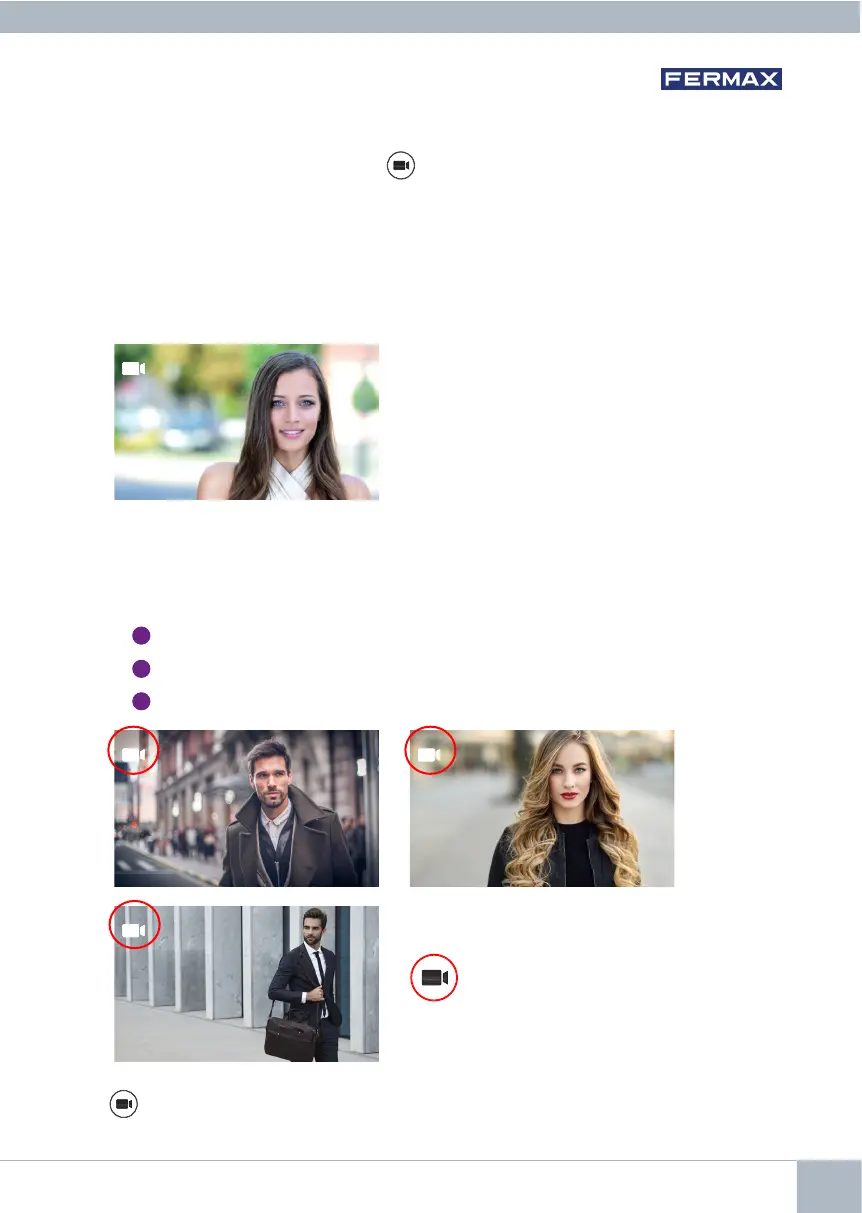
With the monitor on standby, press the (camera) button to turn the monitor on manually.
The total timings for preview without audio (30 seconds) and conversation (90 seconds)
stay the same, even if you change cameras.
Panelidentier
Auto-on on standby:
1. If the previous call from the panel ended less than 15 seconds ago, the panel will
be called again: R.
R
2. If the previous point does not occur, auto-on begins with the different panels visible
on the monitor.
Press panel 0, panel 1, general panel in sequence (depending on the availability of
panels).
1
Panel 0 or camera 0 of the monitor block.
2
Panel 1 or camera 1 of the monitor block.
3
Panel 0 or camera 0 of the General Entrance.
0 1
G
Once communication with a panel is established, you can change it by pressing the
button (camera).














 To Next Page