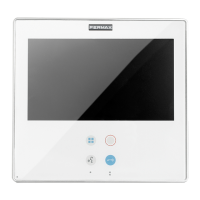
VDS VIDEO KIT CITYLINE 1-2 L SMILE 3
VDS
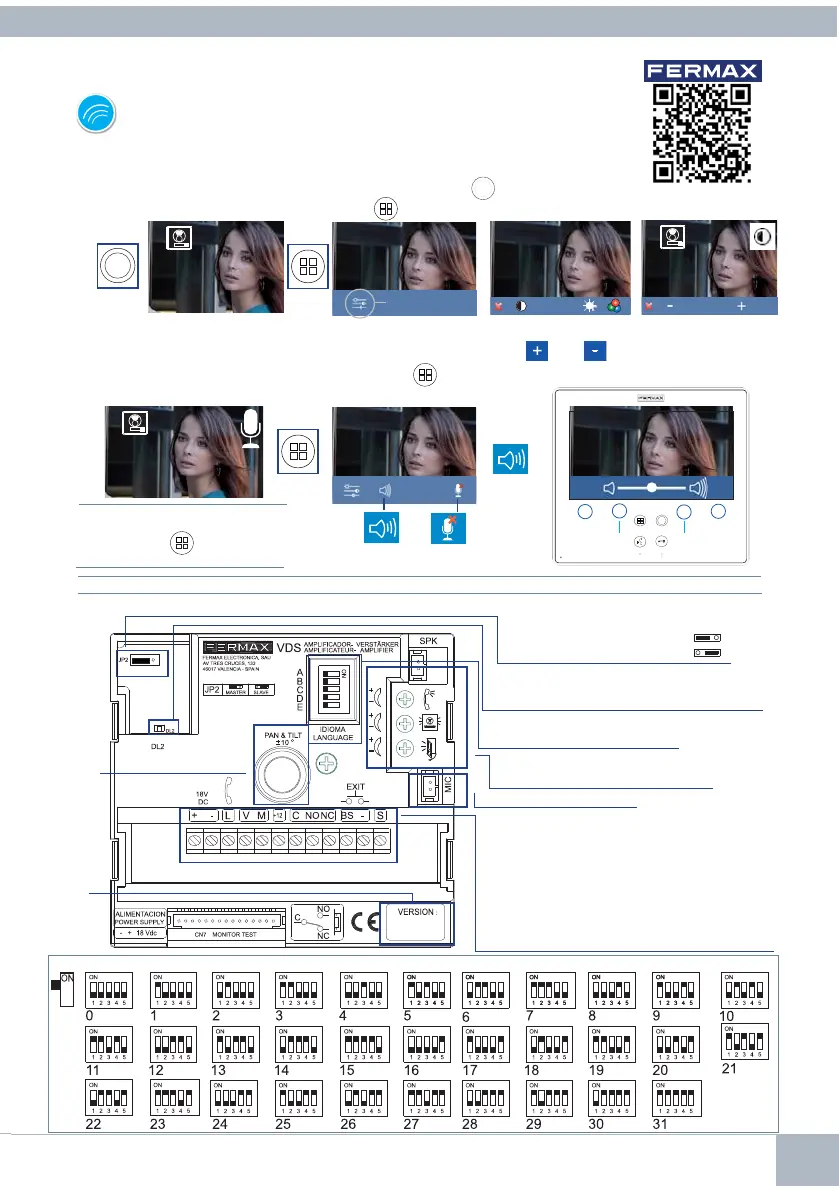
1. MONITOR SETTINGS
SETTINGS
With an image on the monitor, by pressing the button
,
(or upon receiving a call without
communication established), press the
key to show the video settings.
VIDEO SETTINGS
MANUAL
FULL
MONITOR
Notice: Maximum conversation time: 90 seconds.
2. PANEL SETTINGS
Version
amplifi er
Focus
camera
Panel Connectors:
+, - : power (18Vdc).
L : data bus.
C, NO, NC: Relay contact, 2A@30Vdc (lock-release connection)
+12: 12 Vdc (0,5A) output
BS, -: entrance hall button.
S : activation of the exchanger
V : live
M: mesh
JP2: Main / Secondary Panel Selection
MASTER Panel Default:
SLAVE Panel
Selecting the language
1
of the message "door open."
Audio Settings
of the Monitor, panel and open door.
Microphone Connection.
LED diagnostic
Blinking to indicate short-circuit between + and L upon
making a call from the panel.
1
Door open’ warning language selection
Spanish English French German Catalonian Valencian Balearic
Portuguese
Basque Galician
Dutch/
Flemish
Finnish
Swedish
Turkish
Greek
Polish Czech Slovak
Chinese
Persian/
Farsi
Arabic Norwegian
Danish Icelandic
Russian
Hindi HungarianItalian Hebrew bell DEACTIVATED
Croatian
14
Select the settings option and increase or
decrease with
and
.
While the audio channel is open, press the
button and a menu screen appears for this
setting.
AUDIOSETTINGS
14
3
video settings
2
1
5
1
1
2
3
increase decrease
Mute:
function to
delete the
audio.
Audio volume
Note: When communicating or
only with video, pressing the Menu
button twice
displays the
shortcut buttons.










 To Next Page