Operation
16
main menu – SETUP -> LOCK
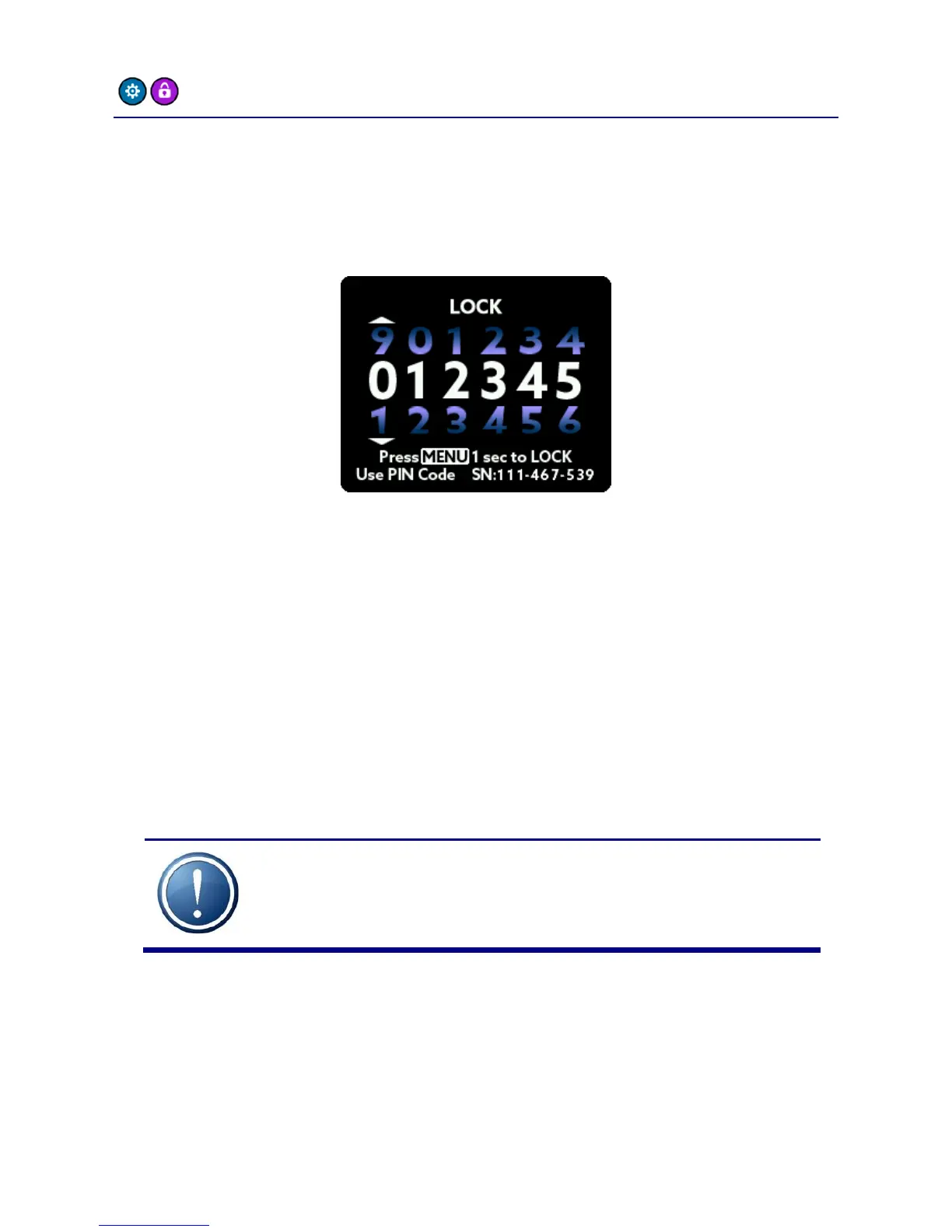
To prevent accidental or forbidden operation of the A32, you can lock
the front panel. The headphone screen is still accessible, but all other
functions are locked. To lock the A32 front panel, enter the PIN
number printed on the bottom of the unit:
After entering the correct number, hold down the MENU button for a
few seconds to activate the lock.
To unlock the A32, repeat the procedure: Enter the correct number
and hold down the MENU button for a few seconds.
The PIN number of each A32 is fixed and can’t be changed by the user.
IMPORTANT: Keep the PIN code in a safe place!



 To Next Page