Operation
5
main menu – CLOCK
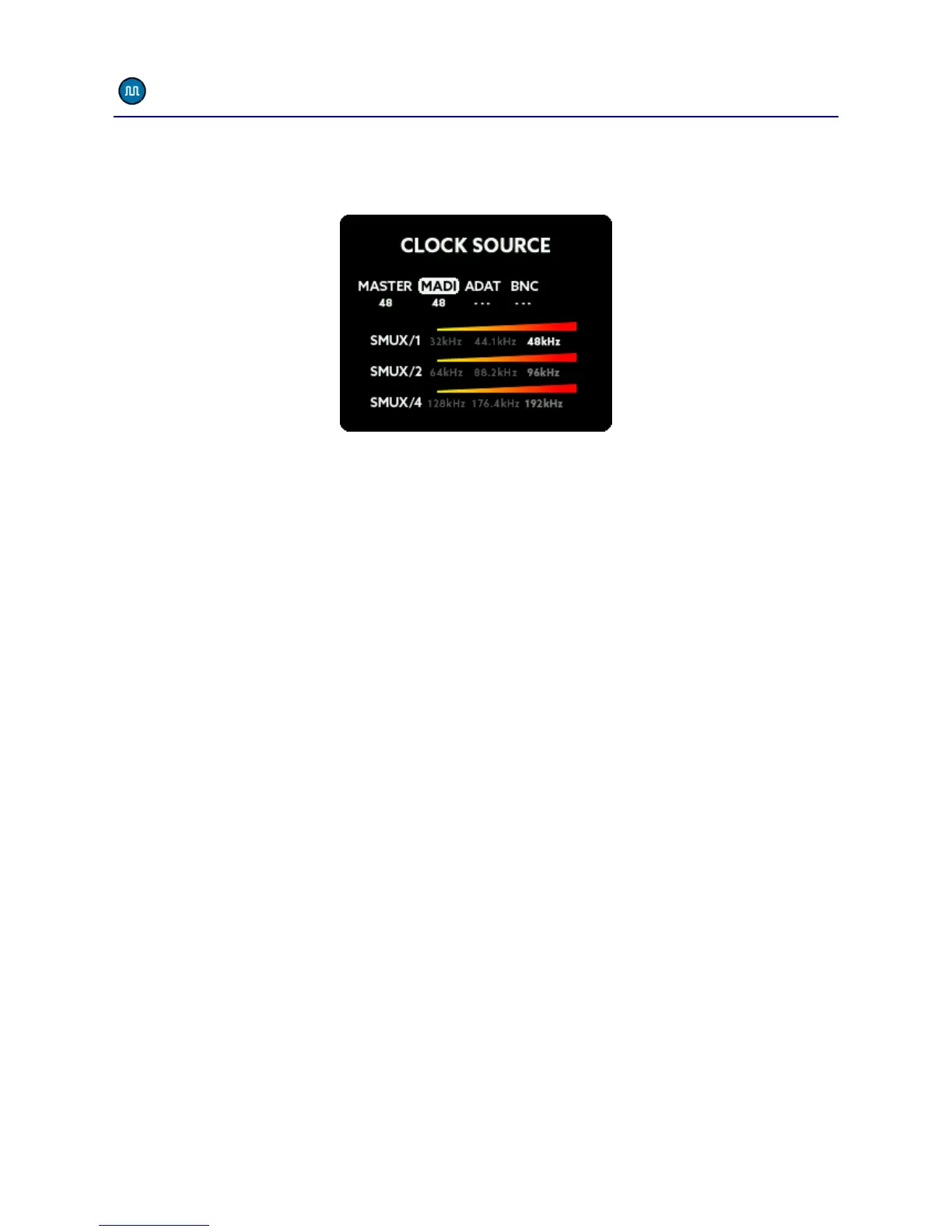
The CLOCK SOURCE menu lets you select the wordclock source and the
sample frequency of the A32 when running in Master Mode:
The numbers below the labels show the internally generated clock as
Master or the measured external sample rate. If no sample rate is
detected, „---“ will be displayed.
MASTER
By selecting MASTER as the clock source, the internal clock generator
will be used for the wordclock. This circuit consists of a high precision
temperature compensated oscillator, which can be set to the desired
frequency.
MADI, ADAT
If you set the clock source to MADI or ADAT, the A32 extracts the
wordclock signal from these digital inputs, reduces jitter using the
digital PLL circuit and routes it back to the BNC output. The A32 then
uses this clock signal. When using higher sample frequencies, the MADI
and ADAT interfaces employ SMUX modes, in this case you will need to
set the desired SMUX frequency manually. Please see the SMUX
chapter for more details.
BNC
When receiving an external wordclock via the BNC IN of the A32, the
wordclock signal will also be routed thru the jitter reduction stage
before using it.



 To Next Page