Operation
7
main menu – MIX
Inside the MIX menu you can select one of seven mix presets. The A32
allows you to create a custom mix of all analog and digital I/O’s which
can then be sent to the stereo headphones output on the front panel.
You can choose between these mix presets within the headphones
screen by selecting MIX 1 to 7 as the source.
In the MIX screen, after selecting the number of the MIX preset, press
MENU to edit:
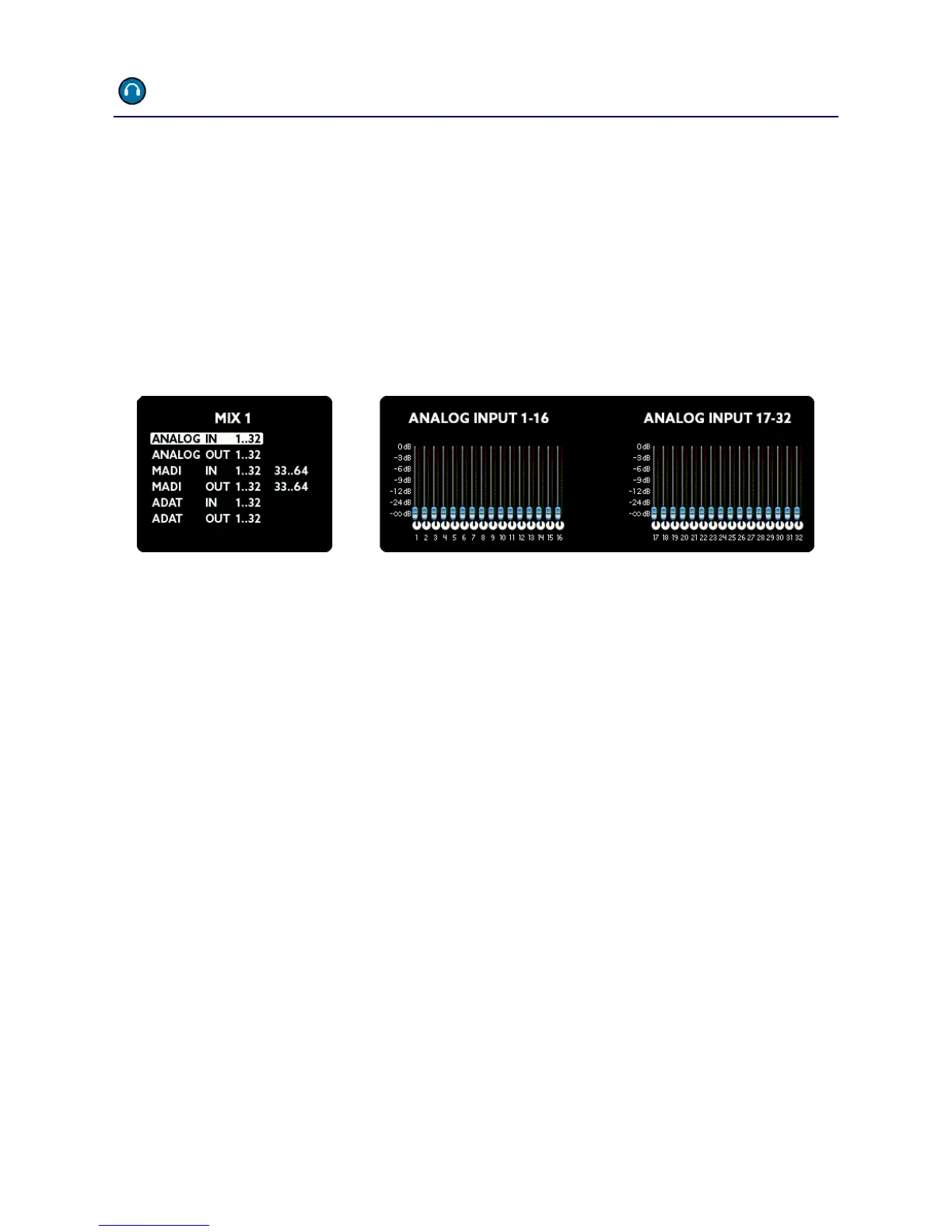
First, select one of the eight groups. The actual mix of channels from
within this group will now be visible on the right screens. Press the
MENU button to edit the mix in three steps:
Select the channels: Scroll to select either a single channel or
group of multiple channels (2, 4, or 8). Continue by pressing
MENU.
Now you can adjust the level. When it is set as desired, press
MENU again.
Finally set the pan. If you selected two or more channels, the
even numbered pan knobs move in the opposite direction to
the rotation of the SELECT wheel.
These steps you can repeat as desired. When finished, hold down
the MENU button for a few seconds. All changes will be stored and
won’t get lost even when switching the unit off and on.



 To Next Page