Main Menu – PRESET
The PULSE16 DX’s parameters GAINS, LEVELS and the routing can be
permanently stored in one of six preset slots. This lets you pre-
configure the PULSE16 DX before the gig and save you time later.
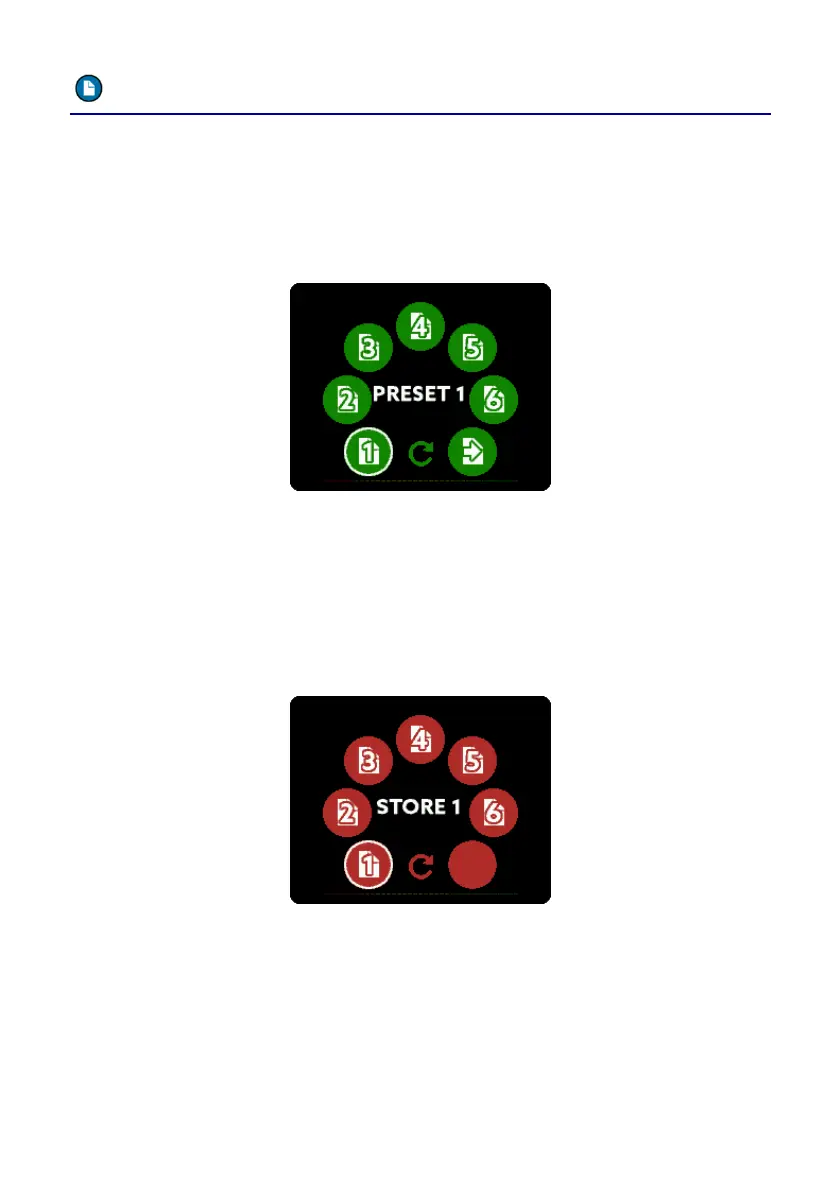
Inside the PRESET menu you can choose which preset you want to
load:
After selecting the desired preset by using the SELECT pot and MENU
to load it a second screen appears. This screen lets you choose what
should be loaded: The GAINS of the analog inputs, the LEVELS of the
analog outputs, the routing – or all three items.
To store a current setting into a preset slot, enter the STORE menu:
Inside this menu you can permanently store the current settings at one
of total six preset slots.



 To Next Page