SINGLE SETTING
STARTUP
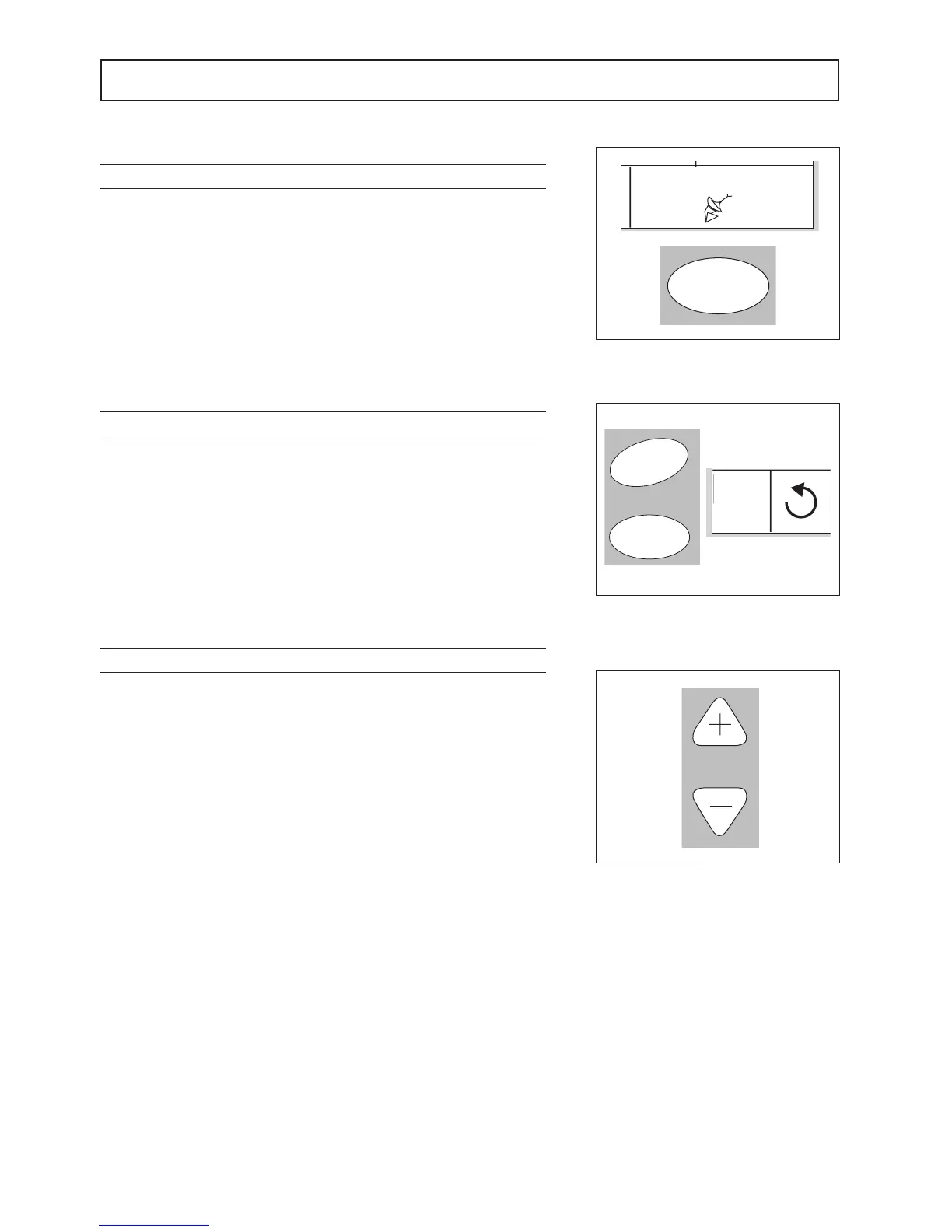
Press the NET button and the display will show which unit is under control.
(Fig.1).
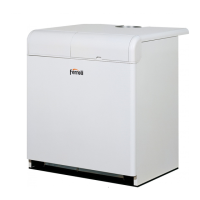
Use the TIME (+) and (-) buttons (Fig 1) to select the number of a unit on
which to operate. Units that are off are not displayed.
Set the required parameters and then go to the next unit or exit the single
setting mode with the NET button.
GLOBAL SETTING
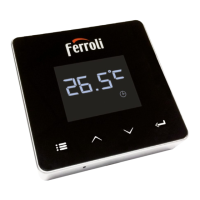
Keep the SWING and FRESH buttons pressed together for three seconds
(Fig.2). The display shows the symbol given in (Fig 3). Make the settings.
To exit, press the SWING and FRESH buttons again for three seconds.
SYNCHRONISING TIMER IN MASTER-SLAVE
It is possible to synchronise the current time on all units in the group.
Press the (+) and (-) buttons together for three seconds. The MASTER
unit will signal when synchronisation occurs with a BEEP


 To Next Page