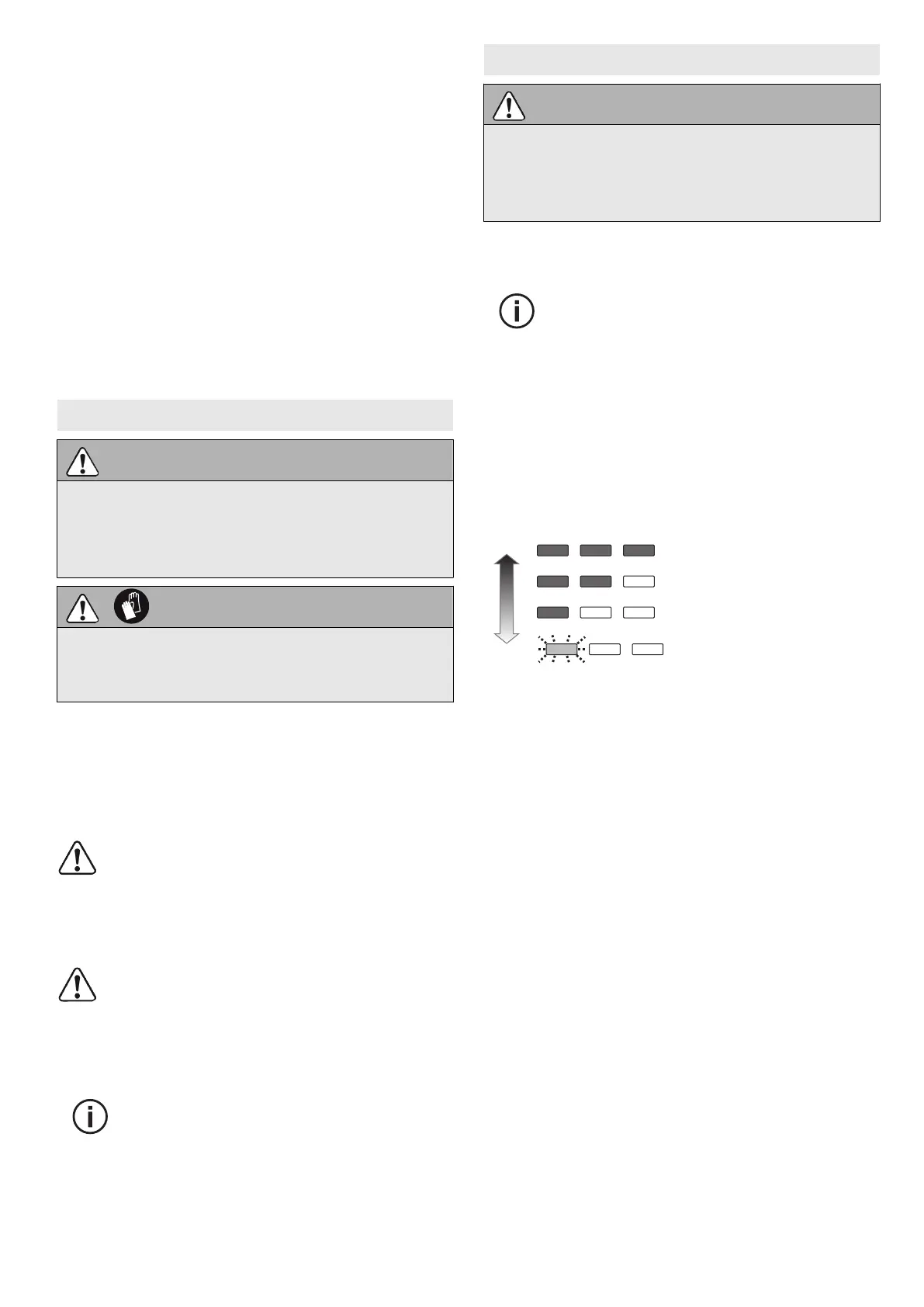
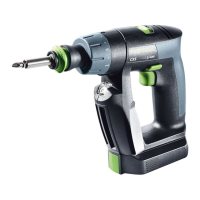
7.2 Changing gear [1-4]
• Gear switch forwards (digit 1 visible) =
1st gear
• Gear switch to rear (digit 2 visible) =
2nd gear
7.3 Adjust torque [1-2]
The marking [1-3] shows the selected position.
Drilling
Marking shows the drill symbol [1-1] = Maxi
mum torque.
Fastening
Torque corresponding to setting:
Position 1 = low torque
Position 12 = high torque
8 Tool holder, attachments
WARNING
Risk of injury
► Remove the battery pack from the power
tool before performing any work on the
power tool.
CAUTION
Risk of injury from hot and sharp tool
► Do not use any blunt or faulty tools.
► Wear protective gloves.
The PO numbers of the accessories and tools
can be found in the Festool catalogue or online
at "www.festool.co.uk".
8.1 CENTROTEC tool chuck [4]
Quick change of tools with CENTROTEC shaft
Only clamp CENTROTEC tools in CEN
TROTEC tool chucks.
8.2 Chuck BF-FX10 [5]
For clamping drill bits and bits with max. shaft
diameter of 10 mm.
Clamp tool centrally in the chuck.
8.3 Angle attachment XS-AS [6]
(accessories) Drilling and screwdriving at right
angle to power tool.
You can engage the angle attachment
in 16 different angle settings.
8.4 Tool holder in the drill spindle [7]
Bits can be inserted directly into the hexagon
socket holder of the drill spindle.
9 Working with the power tool
WARNING
Risk of injury
► Always secure the workpiece in such a
manner that it cannot move while being
machined.
9.1 On/Off switch [1-6]
Press = ON, release = OFF
The speed of the machine depends on
how far the on/off switch is pressed
in.
9.2 LED lamp with capacity indicator
The LED bulb [1-10] lights up when the ON/OFF
switch is pressed [1-6].
After releasing the ON/OFF switch [1-6] the ca
pacity indicator on the LED lamp [1-10] dis
plays the state of charge of the battery pack for
a few seconds:
70 - 100%
40 - 70 %
15 - 40 %
< 15 %
Recommendation:
Charge battery pack
before further use.
9.3 Bit depot [1-11]
Magnetic, for storing bits and bit holders.
9.4 Warning signals
Power tool shuts down, capacity indicator
flashes: Battery pack is empty.
► Change the battery pack.
Power tool shuts down, capacity indicator does
not flash: Power tool is overheating or has been
overloaded.
► Apply a lesser load to power tool.
► Allow power tool to cool down.
English
17


 To Next Page