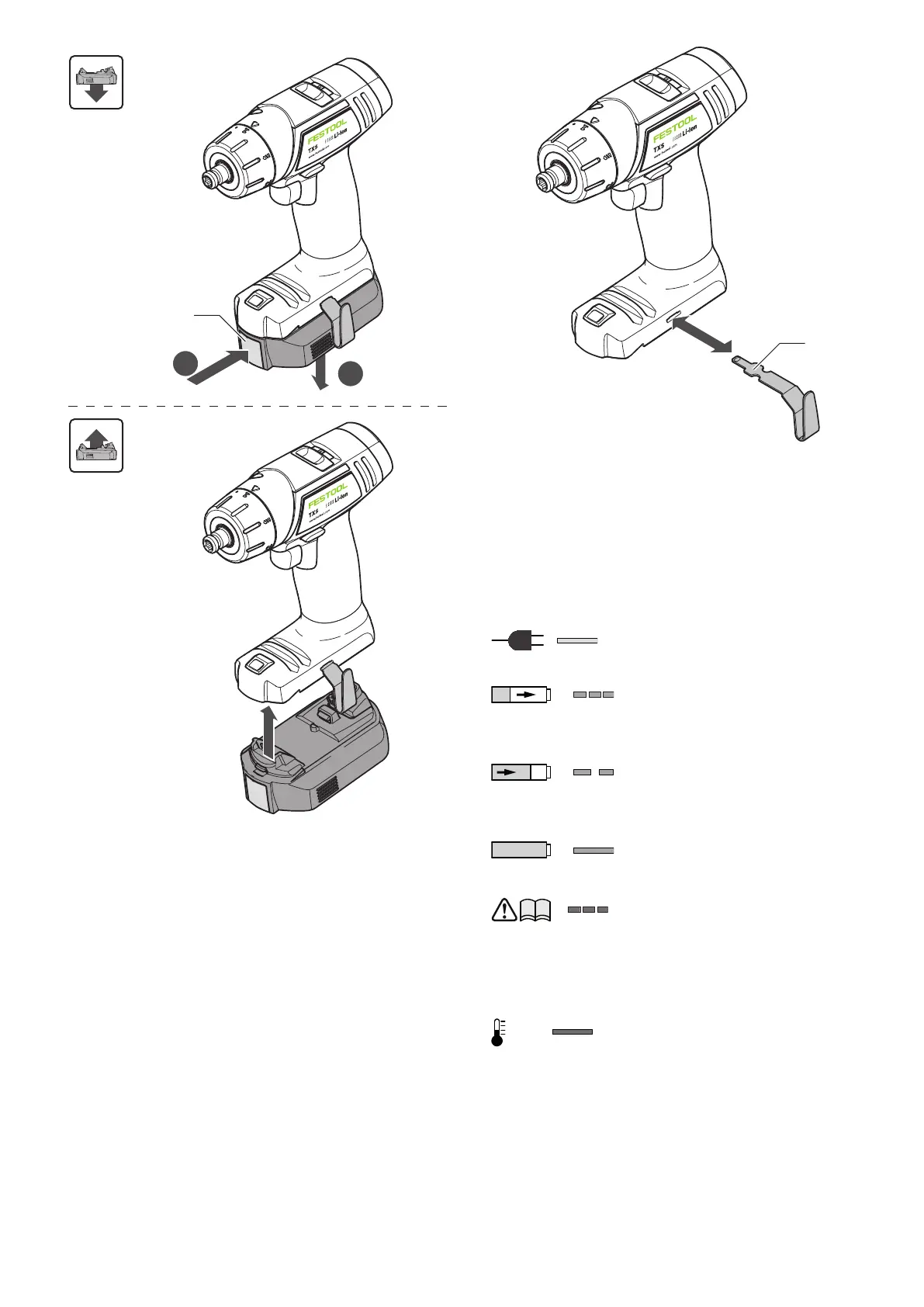
7.2 Changing side of the belt clip
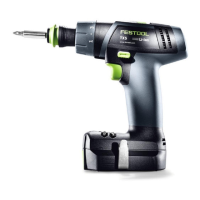
Fix the belt clip [3-1] on the right or on the left
side, depending on which side you prefer to clip
the cordless drill.
► Remove the battery pack [2].
► Remove the belt clip [3-1].
► Insert the belt clip on the designated side.
► Insert the battery pack [2].
7.3 Charging the battery pack [5]
► To charge the battery pack, put it on the re
tainer [4-1] on the charger.
► To remove, press and hold the button [4-2]
and pull off the charged battery pack.
The LED [4-3] on the charger indicates the re
spective operating status of the charger.
LED yellow - lit continuously
Charger is ready to use.
LED green - flashing quickly
Charging battery pack at
maximum rate.
LED green - flashing slowly
Charging battery pack to 80%
and with reduced current.
LED green - lit continuously
Charging process is charged.
LED red - flashing
General fault indicator, e.g.
incomplete contact, short
circuit, defective battery
pack, etc.
LED red - lit continuously
Battery temperature is out
side permissible limit values
(0 °C to 55 °C).
English
11


 To Next Page