7
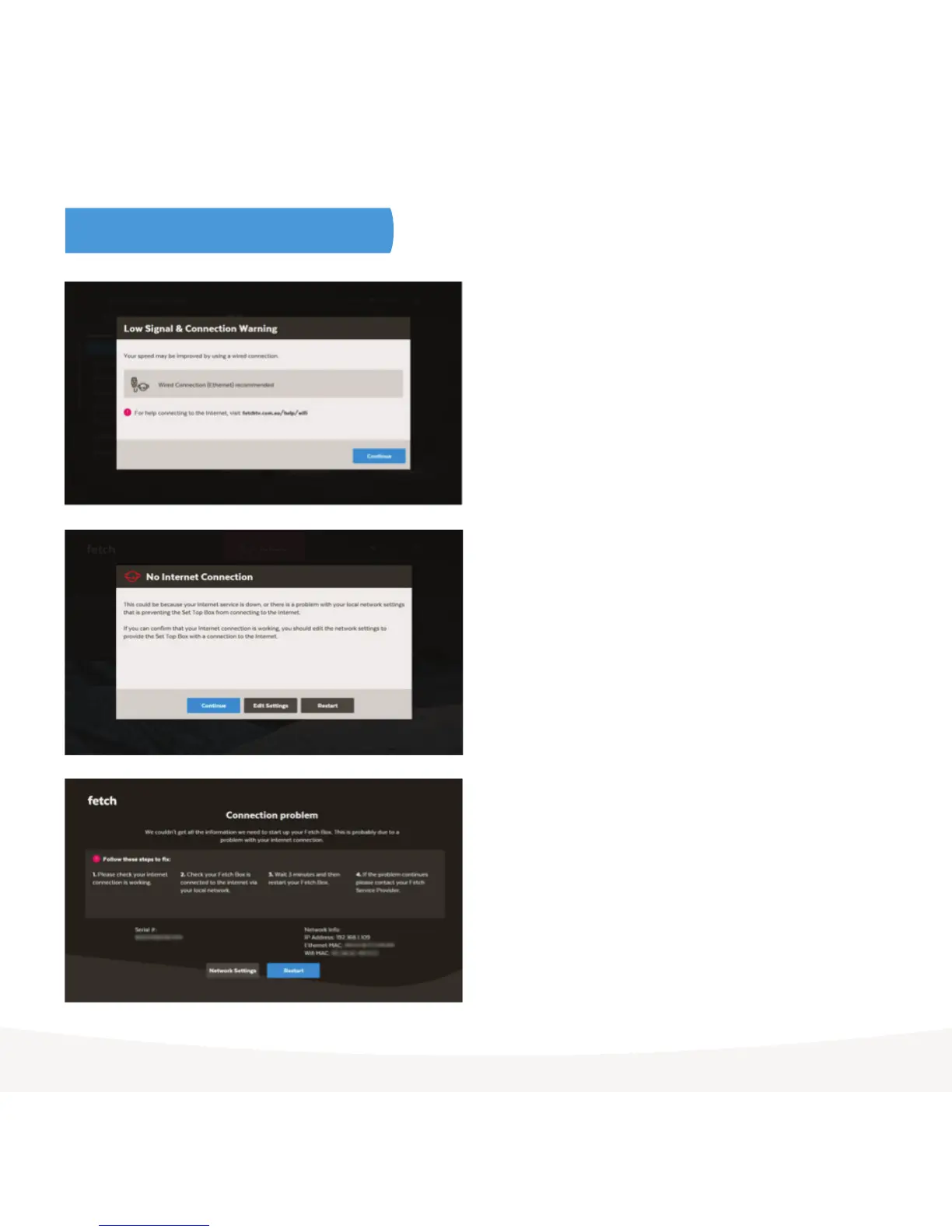
Wi-Fi and Internet error messages
Low Signal & Connection Warning
If you get this message after connecting to Wi-Fi, see the tips for
improving your Wi-Fi (Page 8).
No Internet Connection
If your Fetch box has no internet connection or you can’t connect
to Wi-Fi, see the troubleshooting steps on Page 10.
No internet connection (Your Fetch Box locked)
You can use your Fetch box for a few days without an internet
connection, to watch Free-to-Air TV or recordings, but after that
you’ll see a Box Locked message and will need to reconnect your
box to the internet before you can use your Fetch box again.
To connect wirelessly to your home Wi-Fi network, choose the
Network Settings then follow the on screen prompts and see
from Step 2 in “To set up your Fetch box with Wi-Fi” above.



 To Next Page