6
To connect to Wi-Fi through Network Settings
If you’re using an Ethernet cable or Power Line Adapters at the moment to connect your Fetch box to
your modem, you can switch over to connecting wirelessly to your Wi-Fi network, whenever you like
(if your Wi-Fi is reliable in the room with your Fetch box).
Keep in mind, your Fetch box will automatically use an
Ethernet rather than a Wi-Fi connection, if it finds that
your box has an Ethernet cable connected, as this is the
most reliable way to connect.
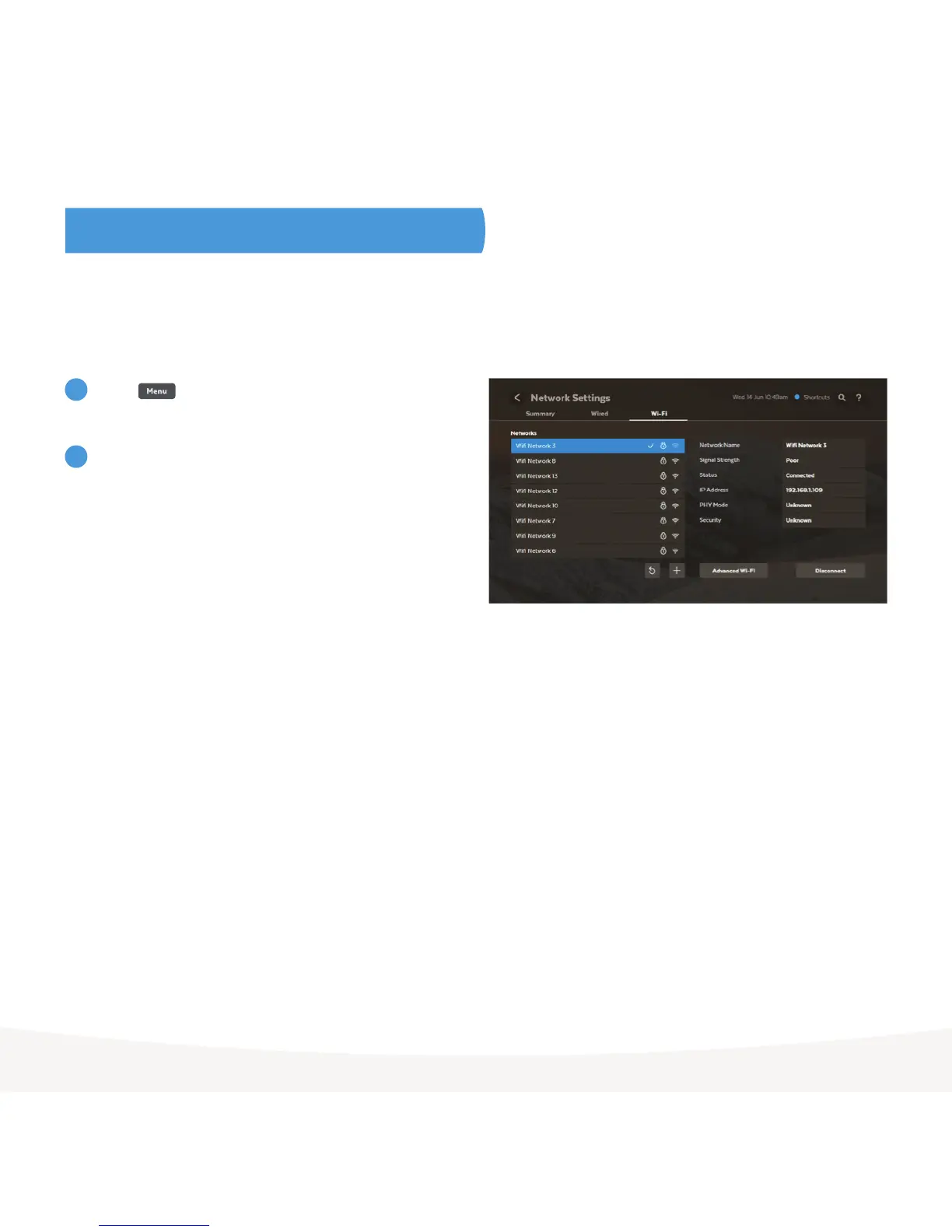
Press on your remote and go to
Manage > Settings > Network > Wi-Fi.
Now select your home Wi-Fi network from the list of
networks. Enter your Wi-Fi network password. Keep in
mind that passwords are case-sensitive.
If you can’t connect, see the tip on the previous page
and troubleshooting steps on page 10.
1
2



 To Next Page