13
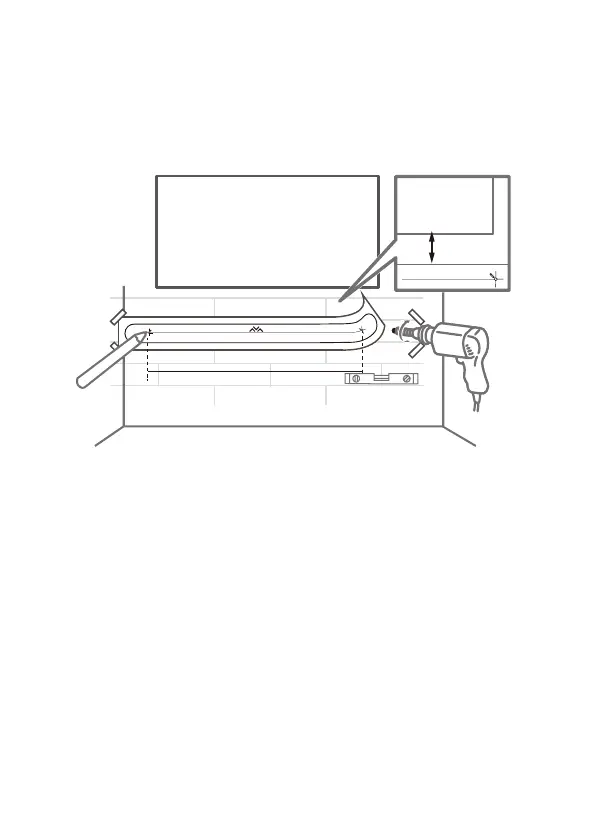
4. Mark on the wall using each marking on the template
through the mounting holes.
5. Take away the wall mount template.
6. Drill a screw hole at each marking on the wall.
> 10cm
TV
TV
406.7mm
7. Take out the screws from the rear of the sound bar, 2
per side.
8. Use a screwdriver to attach the mounting brackets to the
sound bar.
9. Installation complete.


 To Next Page