18
check the user manual of your TV or device.
Direction for setting up your Sound Bar
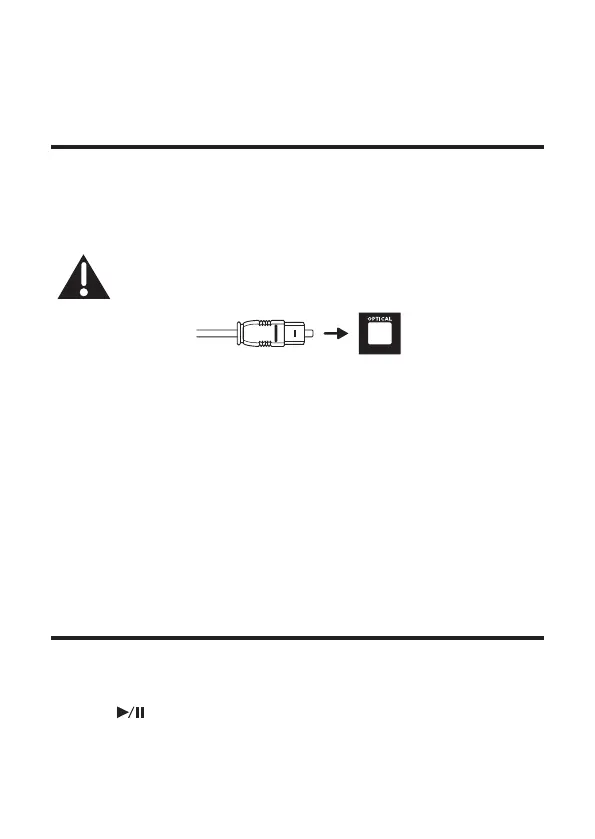
using an optical cable
Do not bend or kink the optical cable (SPDIF) as it
is fragile and can easily get damaged and broken.
To get the best possible audio experience using the optical
cable:
1 Press the Home button on your FFALCON TV Remote.
2 Navigate to Audio option under Settings.
3 Uncheck the “TV speaker enabled” option.
4 Under S/PDIF and ARC, select PCM-Stereo.
Notes
• Different devices may have different menu options.
• Devices such as Blu-ray players, set-top boxes, etc. are
also applicable.
Connect with USB disk
• Press on the remote control to listen to/pause/ resume
the music.


 To Next Page