29
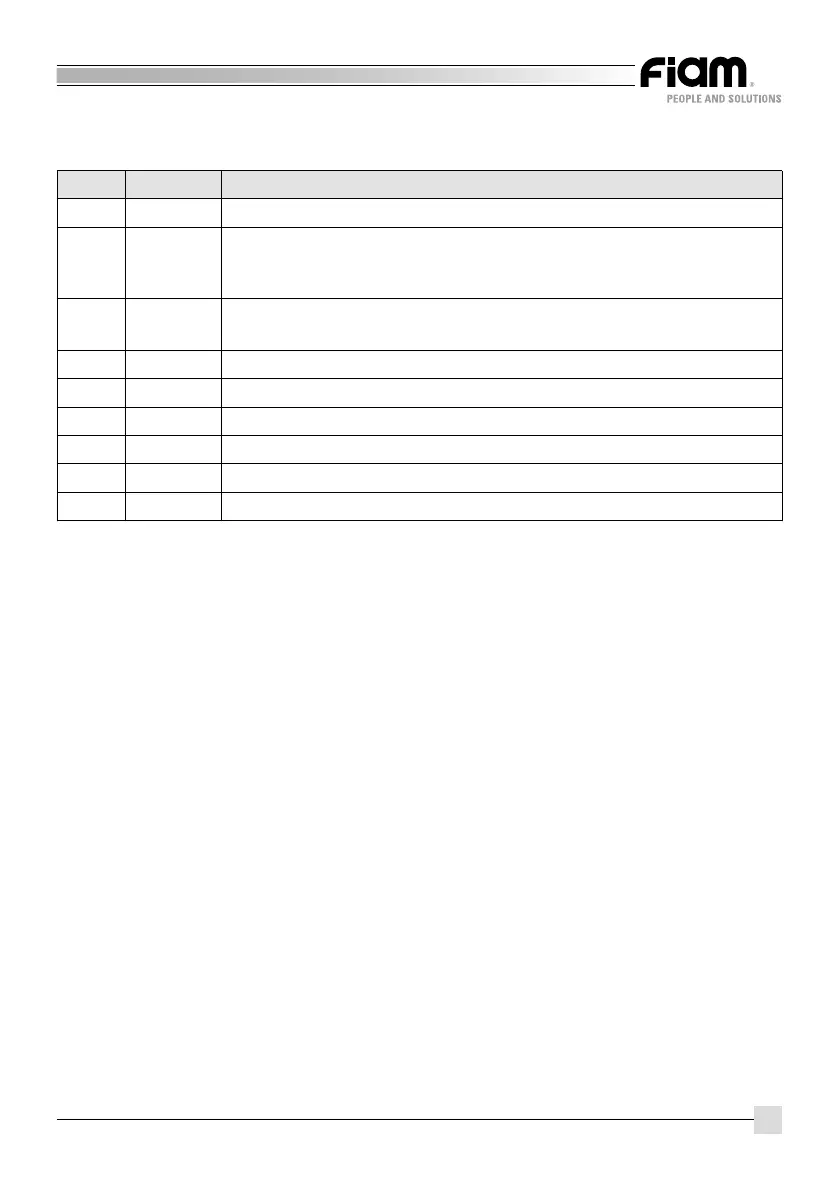
POWER SUPPLY UNIT LEDs INFORMATION
Function descriptionColour Led
Clutch triggered, the tool has reached the set torque
Motor stalled or PTS released (Lever start + Push-to-start) in start mode
LEVER +PTS (Lever start + Push-to-start) or BUTTON +PTS mode (Lever
start + Push-to-start)
External stop tool command (only on TPU 2 model, equipped with inputs/
outputs)
On light button
High tool speed
Low tool speed
Emergency input active (only on TPU 2 model, equipped with inputs/outputs)
Tool connected and ready for use
Tool rotating (RUN)
Led 1
Led 2
Led 3
Led 4
Led H
Led L
Led S1
Led S2
Led S3
Green
Red
Red
Green
Green
Green
Yellow
Yellow
Yellow
SPEED SETTING BUTTON INFORMATION
Press this button to change from H (high speed) to L (low speed) and vice versa.
The tightening/untightening speeds can be set independently: to set the tightening
speed, set the tool to tightening and press the power supply unit button; to set the
untightening speed set the tool to untightening and press the button.



 To Next Page