Media
Push the VR button . Af ter the beep, say one of the following commands and follow
the prompts to switch your media source or choose an artist.
• Change source to Bluetooth
• Change source to iPod
• Change source to USB
• Play artist Beethoven; Play album Greatest Hits; Play song Moonlight Sonata; Play genre
Classical
TIP
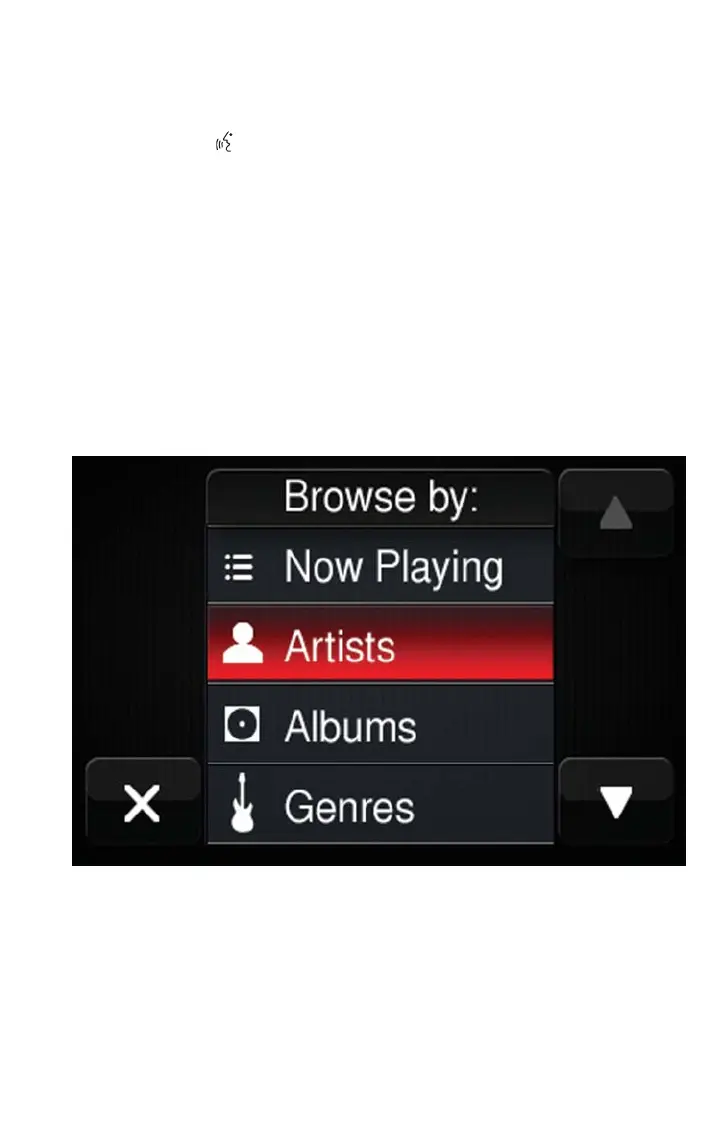
Press the Browse button on the touchscreen to see all of the music on your iPod or
USB device. Your Voice Command must match exactly how the artist, album, song and
genre information is displayed.
Uconnect offers connections via USB, SD, Bluetooth and auxiliary ports (If Equipped).
Voice operation is only available for connected USB and iPod devices.
Uconnect 5.0 Media
ELECTRONICS
65



 To Next Page