Voice
After pressing the “Voice” button on the touchscreen,
the following settings will be available:
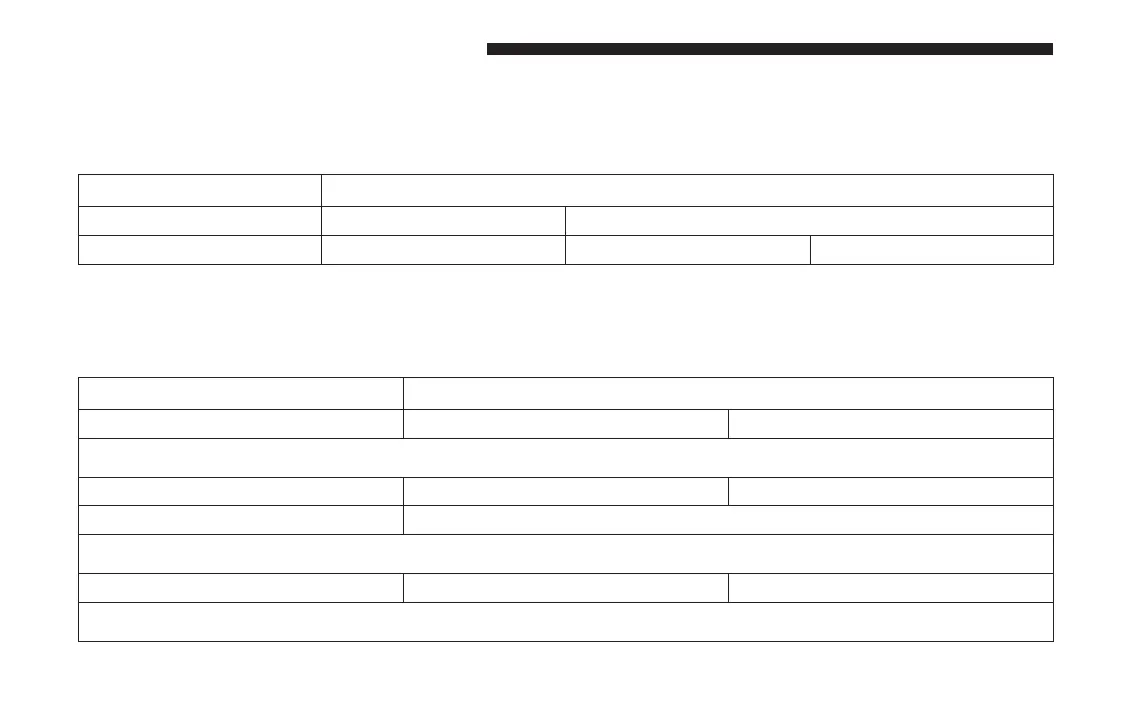
Setting Name Selectable Options
Voice Response Length Brief Long
Show Command List Always With Help Never
Clock & Date
After pressing the “Clock & Date” button on the touch-
screen, the following settings will be available:
Setting Name Selectable Options
Set Time and Format 12 hour 24 hour
NOTE: Press the corresponding arrow above and below the current time to adjust, then select “AM” or “PM.”
Show Time Status On Off
Set Date Set Date
NOTE: Press the corresponding arrows above and below the current date to adjust.
Sync Time — If Equipped On Off
NOTE: When in the “Sync Time” display, you may sync the time with GPS.
148 UNDERSTANDING YOUR INSTRUMENT PANEL


 To Next Page
 Loading...