Units
After pressing the “Units” button on the touchscreen,
you may select each unit of measure independently
displayed in the instrument cluster display. The follow-
ing selectable units of measure are listed below:
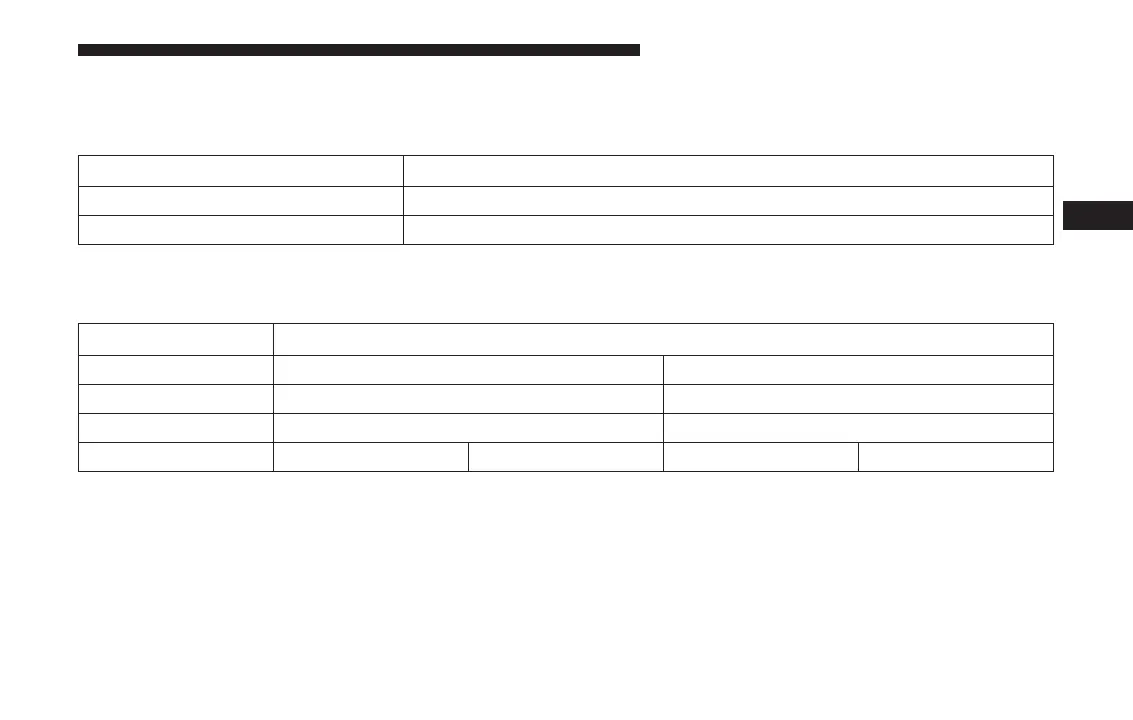
Setting Name Selectable Options
US Changes the instrument cluster display to US units of measure.
Metric Changes the instrument cluster display to Metric units of measure.
After pressing the “Custom” button on the touchscreen,
you may select from the following menu items:
Setting Name Selectable Options
Distance mi km
Pressure psi kPa
Temperature °C °F
Energy MPGe mi/kWh km/kWH KM/Le
4
UNDERSTANDING YOUR INSTRUMENT PANEL 147


 To Next Page
 Loading...