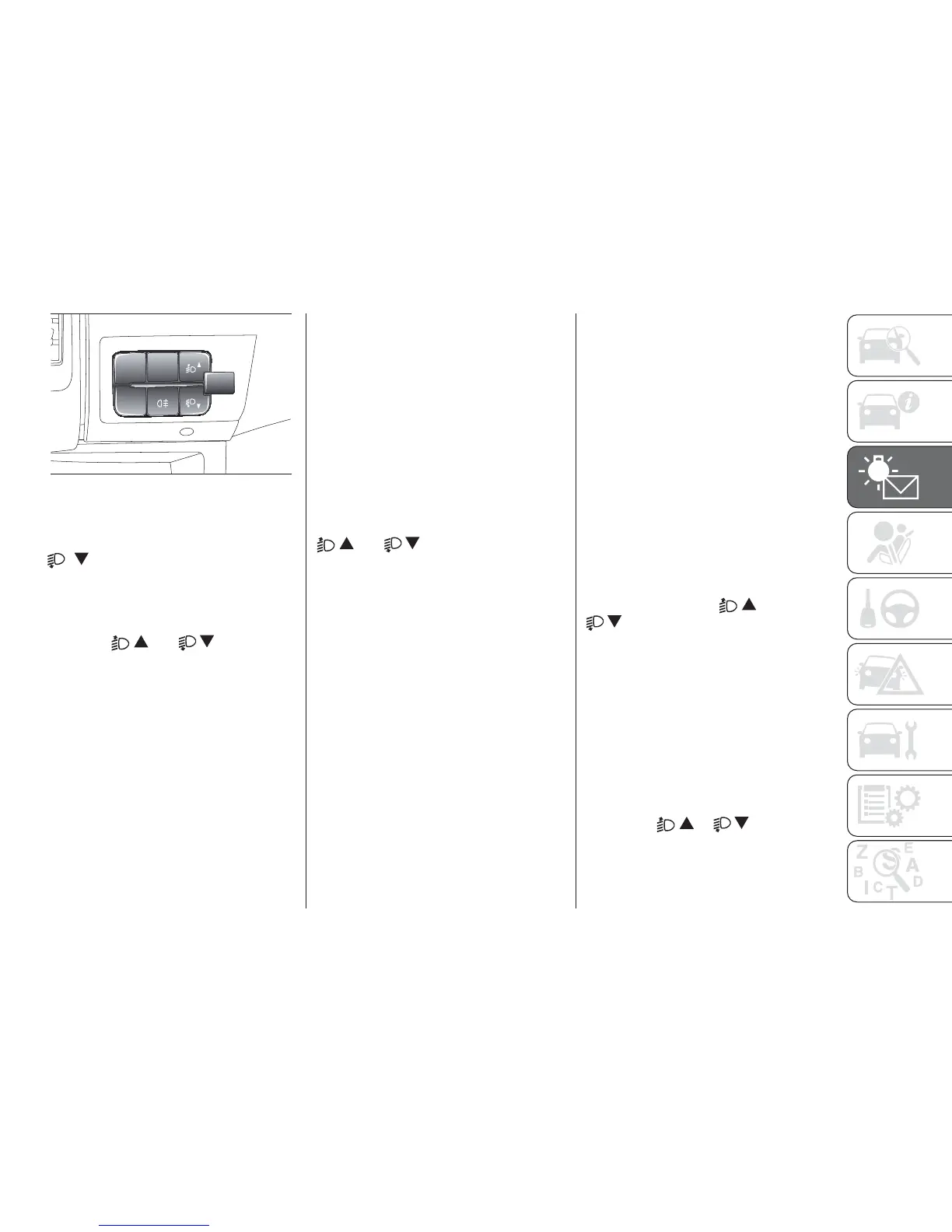
Hold down to go back to the standard
screen.
To scroll down through the
screen and the related options
or to decrease the displayed
value.
Note The
and buttons
activate different functions according to
the following situations:
Adjusting the vehicle
interior lighting
- with the side lights on and standard
screen active, it is possible to adjust the
brightness inside the vehicle.
Setup menu
- within the menu, they allow you to
scroll up and down;
- during setting operations they allow
an increase or decrease.
SETUP MENU
Setup menu functions
The menu comprises a series of
functions arranged in a circular way,
which can be selected through the
and buttons to access the
different selection operations and
settings (setup) given in the following
paragraphs. A submenu is provided for
some items (Clock and Unit setting).
The setup menu can be activated
by pressing the MODE button briefly.
The menu comprises the following
functions:
❒ Menu
❒ Lighting
❒ Headlight alignment corrector
❒ Speed warning
❒ Headlight sensor
❒ Cornering lights
❒ Rain sensor
❒ Trip B activation
❒ Traffic sign
❒ Set time
❒ Set date
❒ Autoclose
❒ Units of measurement
❒ Language
❒ Warning volume
❒ Service
❒ Passenger airbag
❒ Daytime Running Lights
❒ Automatic main beam headlights
❒ Exit menu
Single presses of the
or
buttons permit navigation
through the setup menu options.
Operating modes are different
according to the characteristics of the
option selected.
Selecting an option from the main
menu without a submenu:
- briefly press the MODE button to
select the main menu option that needs
to be changed;
- press the
or buttons (with
a single press) to select the new
setting;
MODE
151
F1A0304
123













 To Next Page