QUICK START GUIDE
Fidelis Network™ High Capacity Collector
www.fidelissecurity.com ©Fidelis Cybersecurity
1. System Overview
The Fidelis Collector is the security analytics database for Fidelis Network. The Fidelis Collector
receives network metadata from Fidelis Network sensors (e.g., Direct, Internal, Mail and Web
Sensors) and stores it for ongoing analysis. A Fidelis Collector cluster of appliances consist of one or
two Collector Controller(s) and typically three or more Collector XA database nodes.
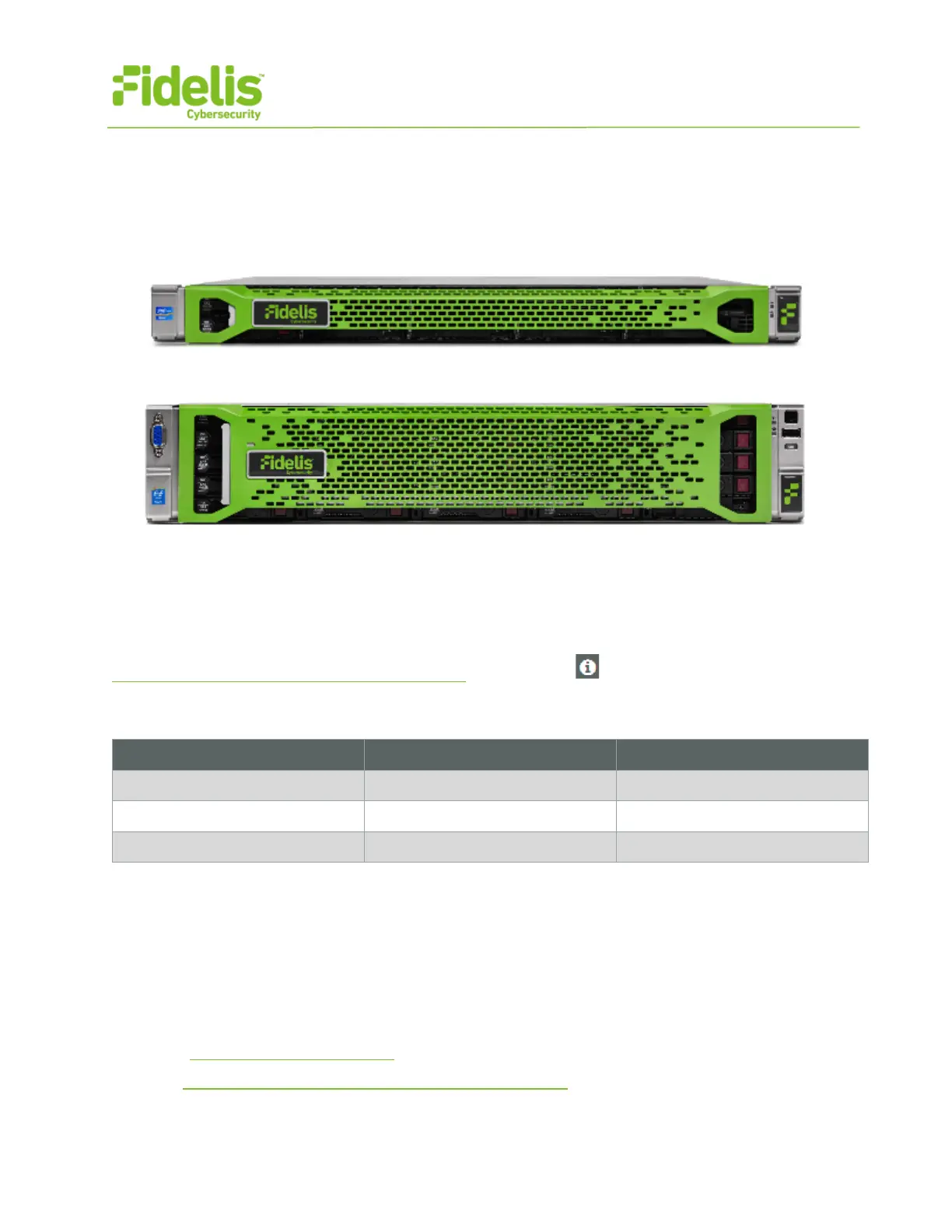
Figure 1: Fidelis Network — Collector Controller 10G (Rev-I)
Figure 2: Fidelis Network — Collector XA4 Appliance (Rev-I)
2. Documentation & References
Fidelis Network product documentation, appliance specifications, and instructions can be found at
http://fidelisssecurity.com/customer-support/login or through the icon in the K2 GUI.
Appliance Default Passwords
(printed on label, top of server)
Technical Support
For all technical support related to this product, check with your site administrator to determine
support contract details. For support of your product, contact your reseller. If you have a direct
support contract with Fidelis Cybersecurity, contact the Fidelis Cybersecurity support team at:
• Phone: +1 301.652.7190
• Toll-free in the US: 1.800.652.4020 – Use the customer support option.
• Email: support@fidelissecurity.com
• Web: http://www.fidelissecurity.com/customer-support/login



 To Next Page