EN 7
FZN 4101-A / FZN 4102-AT
Machine description and included contents | Assembly of the machine
3. MACHINE DESCRIPTION AND INCLUDED
CONTENTS
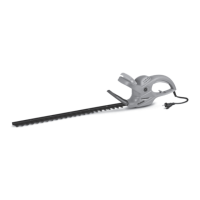
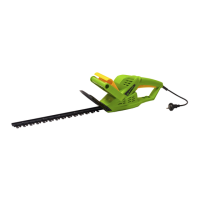
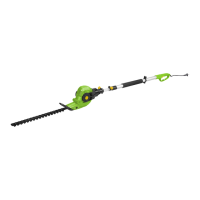
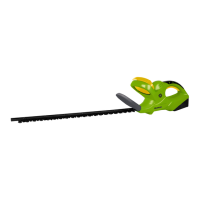
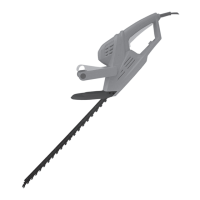
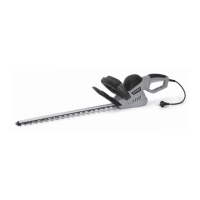
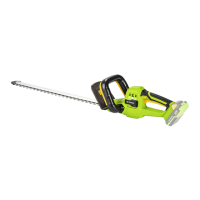
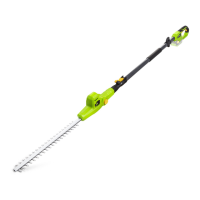
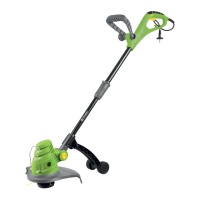
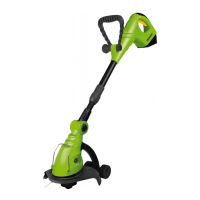
Machine description (see attached illustration)
1 Machine body
2 Swivel handle
3 Handle lock switch
4 Safety switch
5 Main power switch
6 Blade assembly for cutting grass
7 Blade assembly for cutting shrubs
8 Telescopic pole*
9 Lock switch for setting the height of the telescopic
pole*
0 Safety lock for fastening the telescopic pole
qa Accessory wheels with fastening screw*
qs Removable battery
qd LED battery charge indicator
qf Power supply slot
* for model FZN 4102 AT
Supplied contents
Carefully take the machine out of the packaging and check whether all the following parts are present:
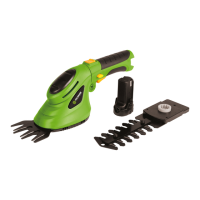
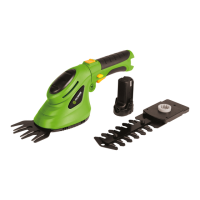
Cordless shear with a blade assembly for cutting grass in a protective cover
3.6V Battery
Blade assembly for cutting shrubs
Wheels*
Telescopic pole*
Battery charger
User's manual
* for model FZN 4102 AT
If there are parts missing or they are damaged, please contact the vendor from whom you bought the machine.
4. ASSEMBLY OF THE MACHINE
1. Product is fully assembled. Take off the protective plastic blade cover before use and store it so that it can be
reused when the product is not being used.
2. The battery must be recharged before use. Follow the instructions for charging.
3. If while cutting branches the blades jam, IMMEDIATELY release the trigger switch and release the blocked
tool. If you continue to hold the trigger switch while the blades are jammed you will cause damage to the
motor.
4. IMPORTANT: This is a power tool that is very easy and comfortable to use. Please pay special attention to
the position of the blades during work with this tool so that you avoid injury.


 To Next Page