INSTALLING USER SOFTWARE 8
Installing user software on a Windows computer
All installation of user software on a Windows computer is done through the Fiery User
Software Installer. The following procedures describe installing from the User Software DVD
or over the Internet, and also modifying the user software.
The only applications that are not installed by the Fiery User Software Installer are Adobe
Acrobat and Enfocus PitStop, for use with Fiery SeeQuence Suite. For more information, see
“Installing and enabling Fiery SeeQuence Suite” on page 24.
TO INSTALL USER SOFTWARE ON A WINDOWS COMPUTER FROM THE USER SOFTWARE DVD
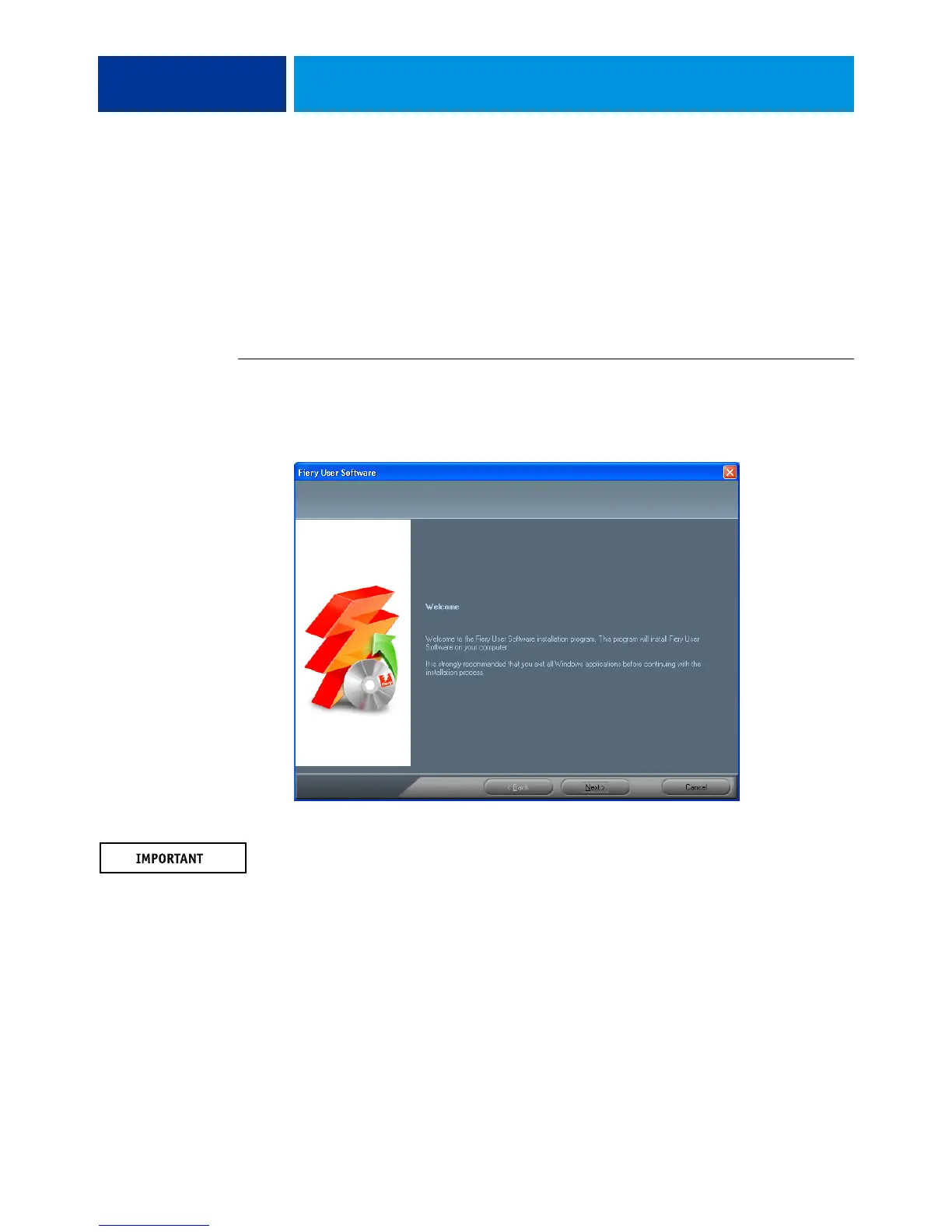
1 Insert the User Software DVD into the DVD drive of the computer.
The Installer Welcome screen appears.
2 Follow the on-screen instructions.
Do not attempt to install user software by opening the individual folders for the applications.
To modify or remove user software after you have installed it on your computer, use the User
Software DVD and the following procedure.


 To Next Page