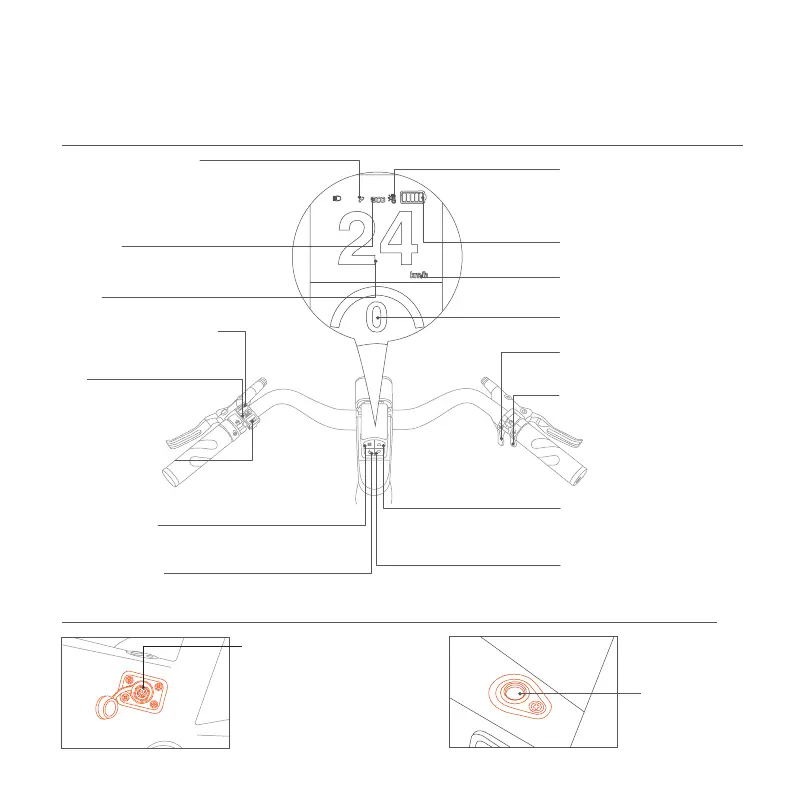
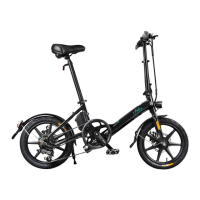
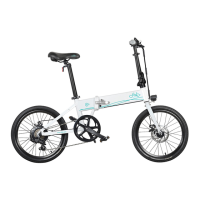
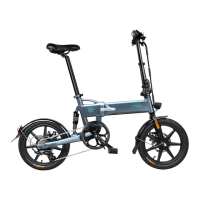
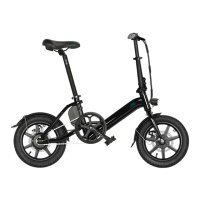
1.4 Function DESC
5
Battery
Power Button
Power-assisted Shift Up
Switch between KM/MI
Power-assisted Shift Down
Power-on Button
(Display remaining power)
Battery Status
(When the Battery power is less than 10%, this icon
will be displayed, and the power output will
be weakened. Please charge in time.)
( To connect the Fiido Mate cycling watch, please
simultaneously press the "M" button and "
Power-assisted Shift Up" buttons. The Bluetooth
connection icon will blink during the connection
process. Once connected, the icon will remain solid.)
Overheat Protection
(Display the current power assisted gear)
Power Assisted Gear Display
(Press outward achieve transmission
downshift)
Shift Down
(Press outward achieve transmission
upshift)
①Click to achieve the power-assisted upshift.
②Press it for 3 seconds toswitch the display
between KMH and MPH.
Power-assisted Shift Up
Fuctional Button
Click to achieve the
power-assisted
upshift.
(Click to achieve the power-assisted downshif)
Power-assisted Shift Down
(Click to achieve the power
-assisted downshift)
(Click to switch the display of spec. Press and hold to
turn on/off the headlight.)
(Long press for more than 3 sec:turn on/off the power assisted mode.)
Shift Up
(Display the current speed)
Speed
(When the controller temperature is too high,
this icon will be displayed and the output
power will be relatively reduced, to reduce
high load operation amd restore power)
ECO Mode
Connect with bluetooth
(In case of overtaking, road section
affectingsafety visibility or
emergency, slow down and
ring the bell for signal)
Horn
Handlebar
Charging Port
(Charging Port Please connect the
Fiido charger to charge the battery.)
ATTENTION:① Equipped with fool-
proofing, it required to be inserted only
when it is aligned with the bayonet. Turn
the charging cable counterclockwise to
pull out the blue circle successfully.
② Insert the Fiido charger ONLY.


 To Next Page