5 6
FIIL+, Make Your Diva Smarter
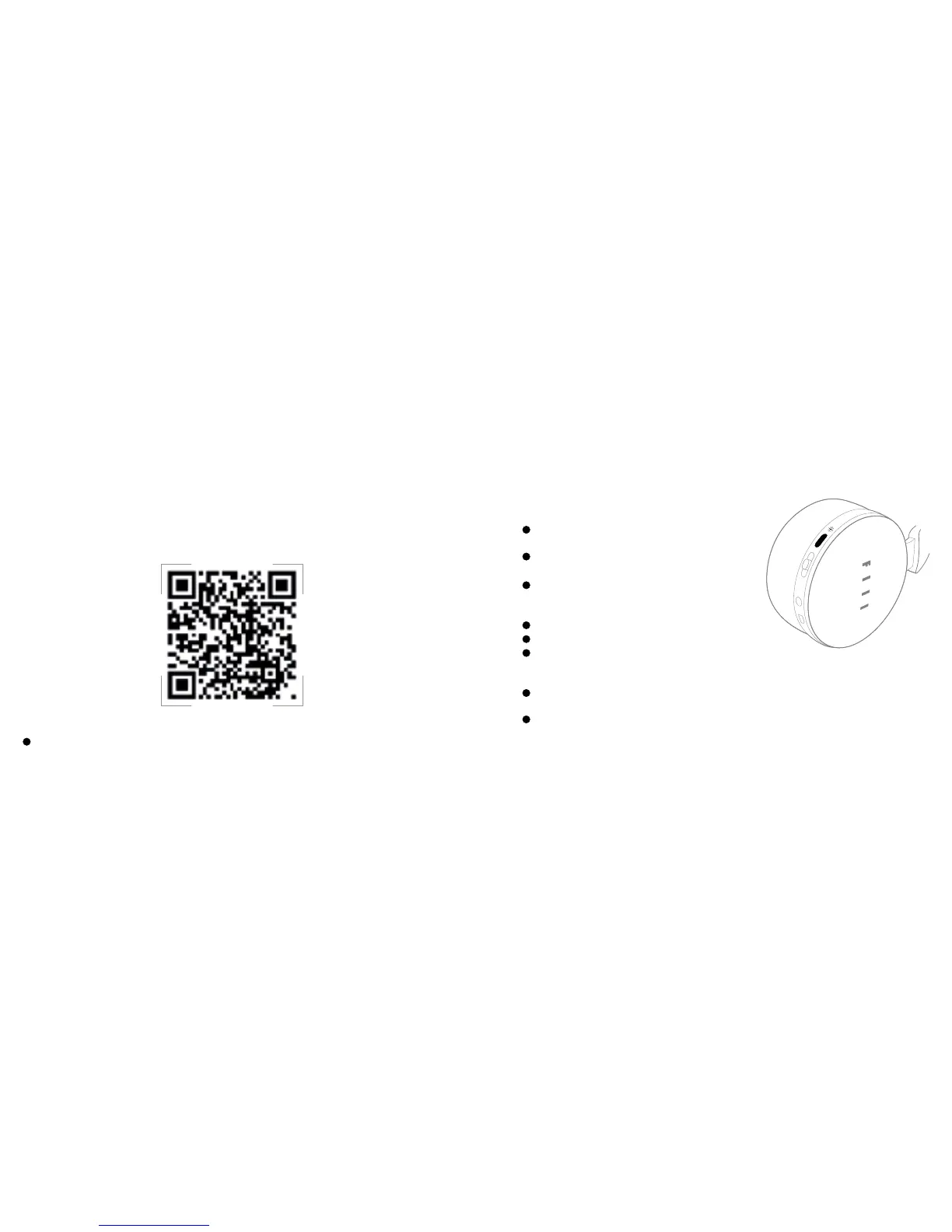
One-key listening: Short Press the MFB to play and
pause (when Bluetooth is connected).
On/O: Long Press MFB until the green/red status light
comes on.
Initial reconnection: When Bluetooth device is paired
but not connected, short press the MFB to send
connection request.
Check Battery Level: Double Press MFB
Switch the Fiil light on/o: Triple Press MFB
Call Siri/voice assistant: When Bluetooth is
connected, Medium Press the MFB (hold 2 seconds
before releasing)
Answer/end call: Short Press the MFB to answer or
hang up(when Bluetooth is connected)
Reject incoming call: Medium press the MFB (when
Bluetooth is connected)
Convenient Multi function Button (MFB)
Features such as Firmware upgrade, Function Deployment and Sound-Eect Setup
are all available in il+. Scan the QR code to install now.
(“Headphone Conguration” is only available in Bluetooth mode)


 To Next Page