7 8
Gesture touch control
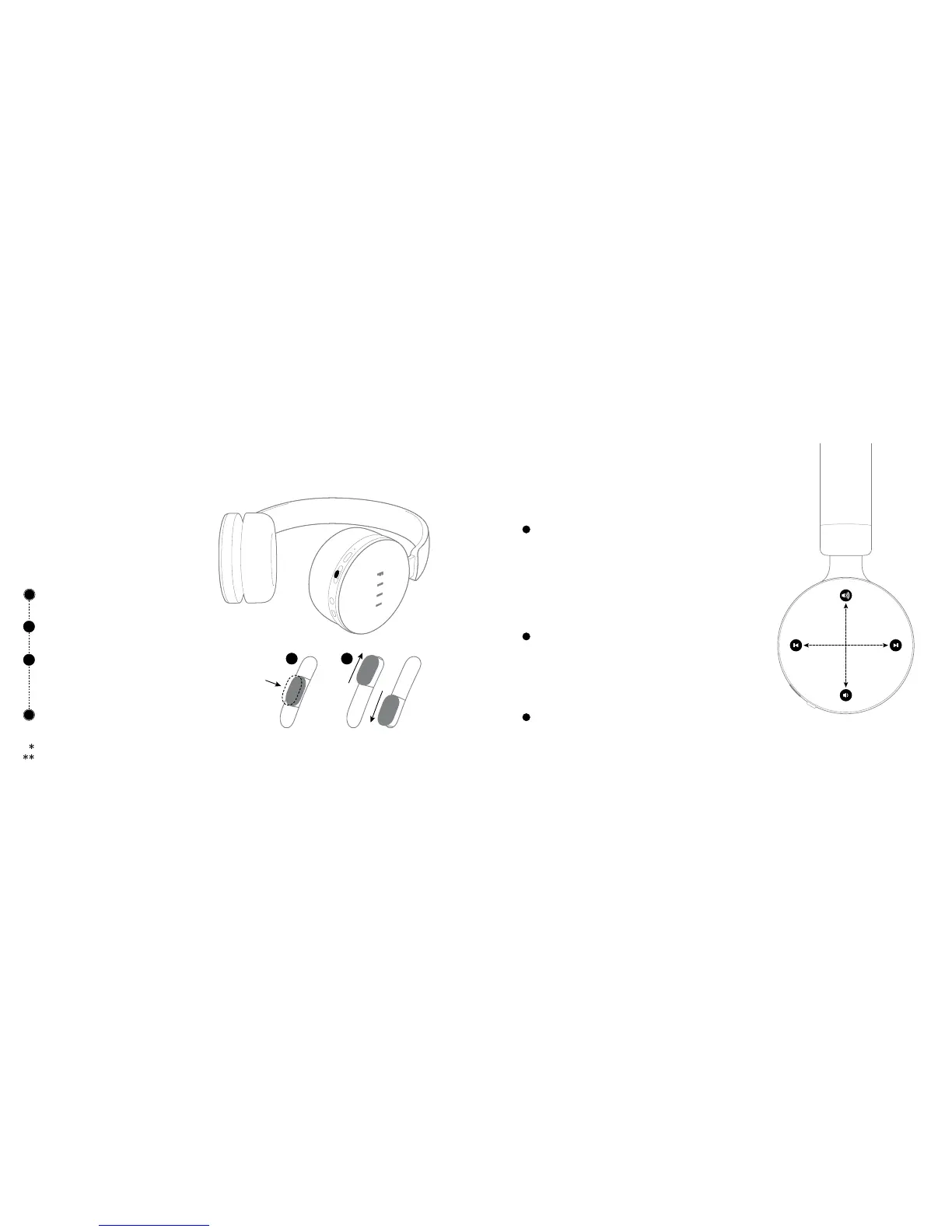
Use MAF Button to adjust your perception
of surrounding sounds when power on.
Short Press MAF to switch On/O My
AudioFiilter function, when it’s On:
Toggle Up/Down MAF to adjust hearing of
surrounding sounds:
High: Open Mode; Medium: Monitor Mode
Low: ANC Mode
Double Press MAF to Switch On/O Wind
Noise Mode (Apply to Windy Enviroment)
Headphones will remember last settings when next power on.
My AudioFiilter is the Trade Mark (TM) of Fengfan (Beijing) Technology Co., Ltd.
Swipe control
(swipe from end to end in diameter direction)
Volume up/down: Swipe the touch panel upward/
downward
Next/Previous Track: Swipe the touch panel forward/
backward (only compatible with Bluetooth devices
that support such function)
Stepless adjustment
Volume up/down: Long Touch up/down control pad
Fast forward/backward: Long touch the front/back
control pad (only compatible with Bluetooth devices
that support such function)
Smart Sensor
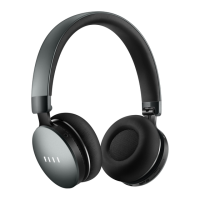
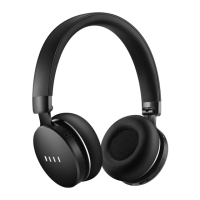
Diva will detect whether user is wearing headphones
or not to Intelligently adjust its status.
My AudioFiilter
TM
Button(MAF)
1
2
1 2


 To Next Page