5 6
Get Started
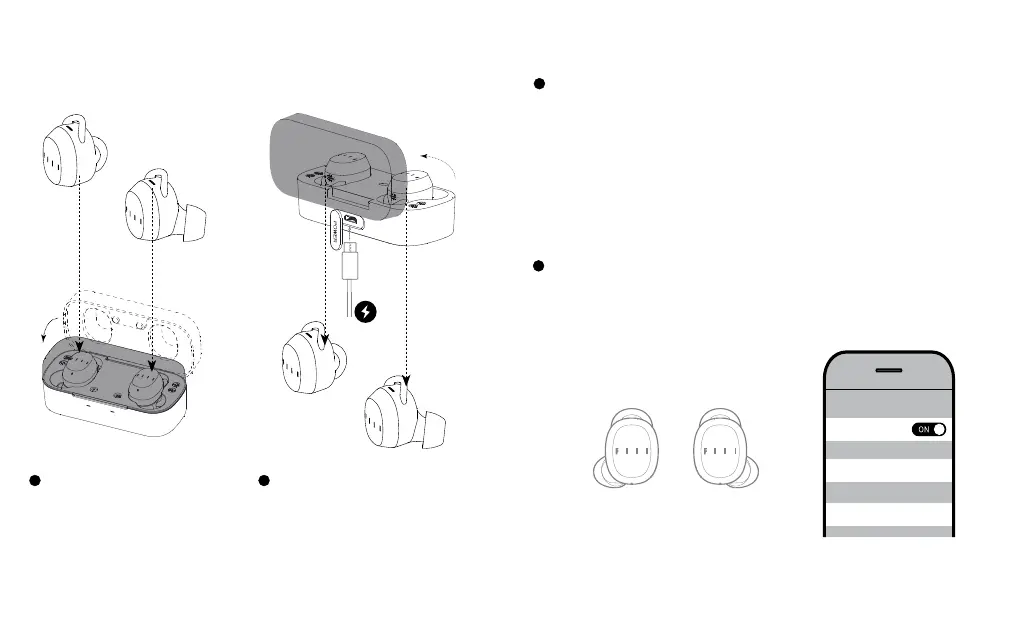
STEP1
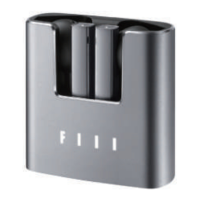
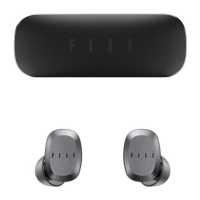
Put earphones into charging
case and close the cover.
STEP2
Open the charging case then
earphones will automatically get
sync and enter pairing mode.
*Notes :
Please charge the charging case via USB adapter in advance.
Enter setup menu of audio source devices, select “search device” in
“Bluetooth” then select “FIIL T1” in the device list to connect.
Search
Connection
Bluetooth Pairing
Bluetooth pairing
For rst usage of brand new FIIL T1, please refer to page5 “Get Started”,
the earphone status indicator will continue to blink blue once entered
pairing mode.
To begin a new bluetooth pairing, please press and hold the master
earphone (right earphone) until the LED indicator blinks blue.
<
Settings
Bluetooth
Bluetooth
My Device
FIIL T1 Connceted
FIIL Diva2 Disconnceted
FIIL Driifter Disconnceted


 To Next Page