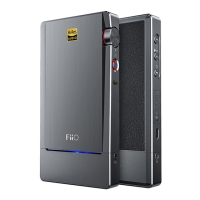
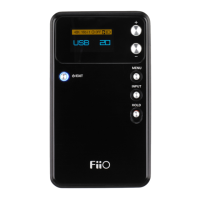
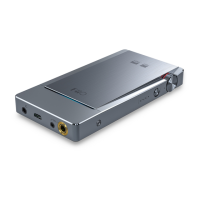
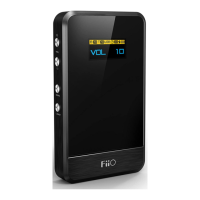
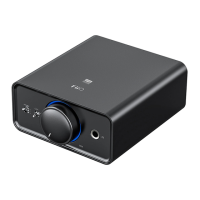
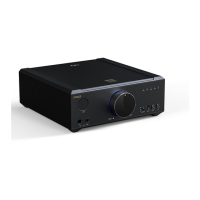
English Bluetooth Headphone Amplifier
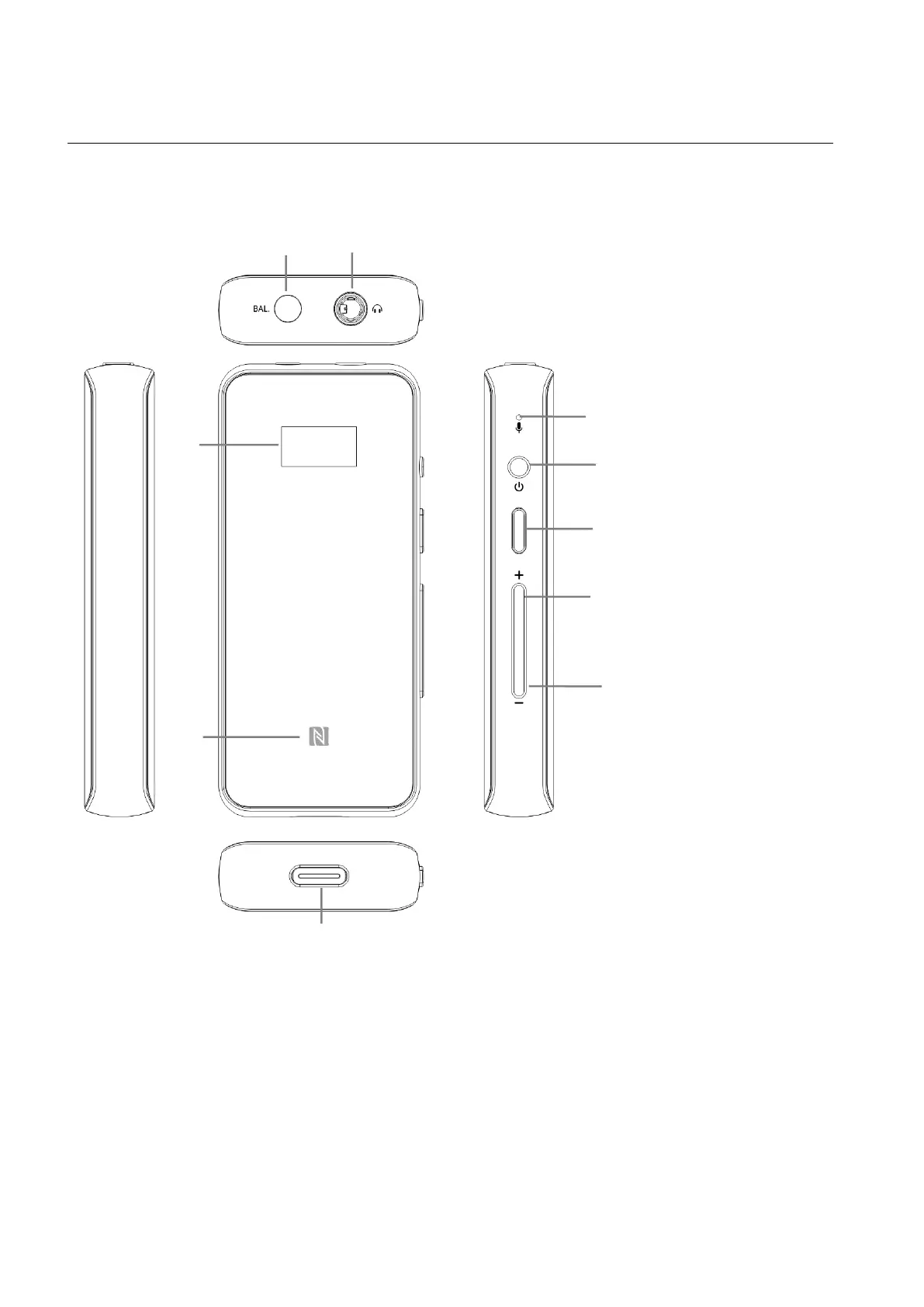
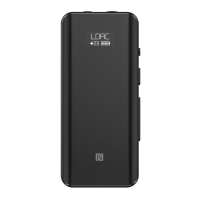
Buttons and Ports Labeled
1. Operation Explained
Power on: Hold button A for about 3 seconds while the device is off.
Power off:Hold button A for about 5 seconds while the device is on.
Reset:Hold button A for about 10 seconds.
Vol down/Next track,Select options
under a submenu
Vol. up/Previous track, Select
options under a submenu
Power on/off,Reset, Activate menu,
Exit menu, Switch submenus
Reconnect/Play/Pause/Answer a call/hang
up/Cancel a call/Force a pairing, Activate
voice assistant, Switch submenus
Type C USB charging/decoding port


 To Next Page