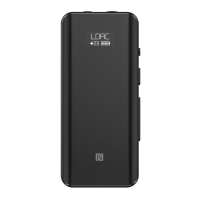
Connect the BTR5 to a USB power supply when it is on, or turn it on after inserting a
USB power supply. The display will pop up a prompt of whether to disable the
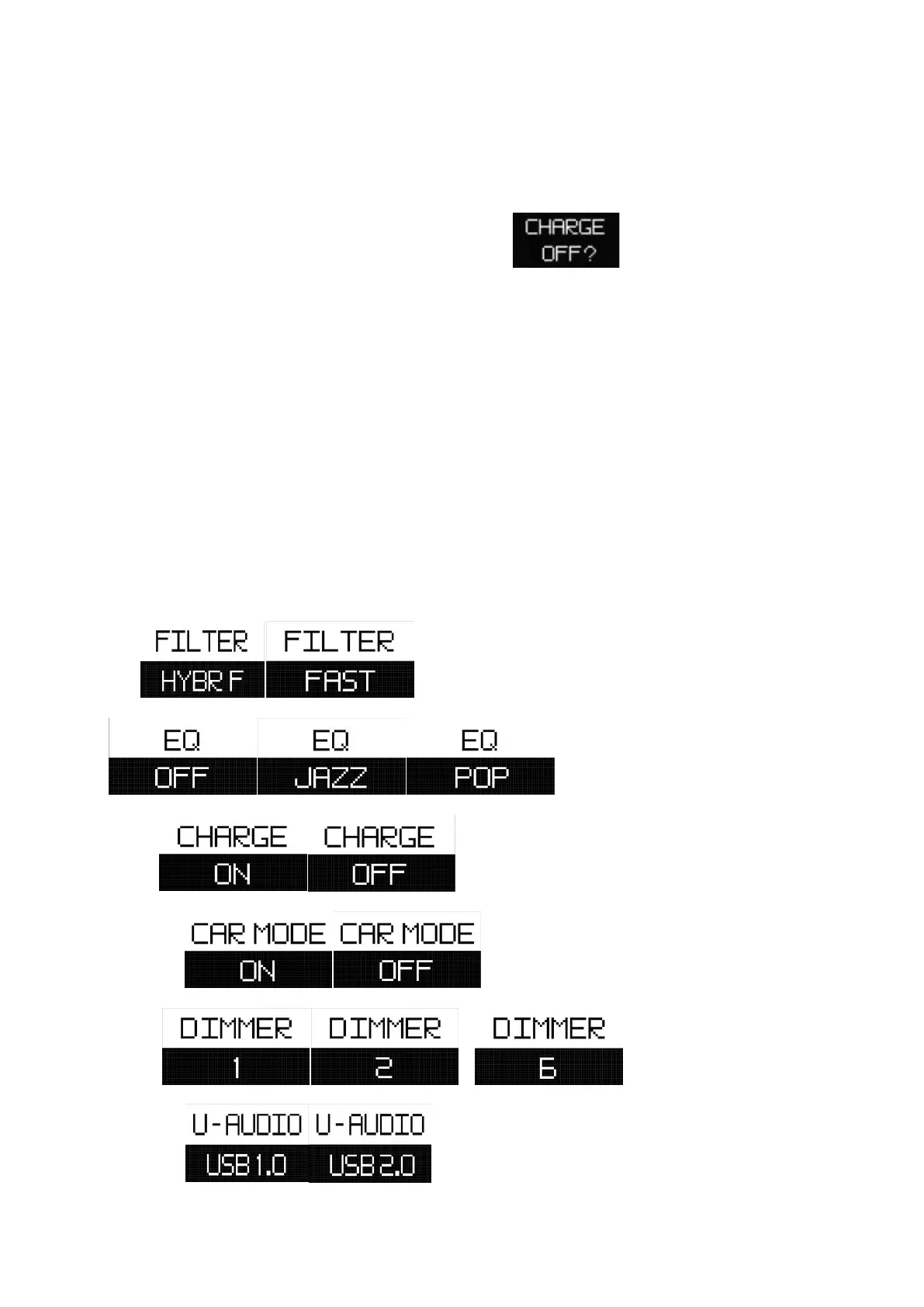
charging function, showing as "CHARGE OFF?" . At this time, press any
button to disable the charging function. If there is no operation in 10 seconds, the
charging function will be enabled as default. This function is very convenient when
the BTR5 is working as a decoder for mobile phones.
Note: If the prompt page is closed after time is up, you can still choose to enable or
disable the charging function on the menu.
2. Menu Descriptions
FILTER
EQ …
CHARGE
CAR MODE
DIMMER …
U-AUDIO


 To Next Page