5
3, the usage steps
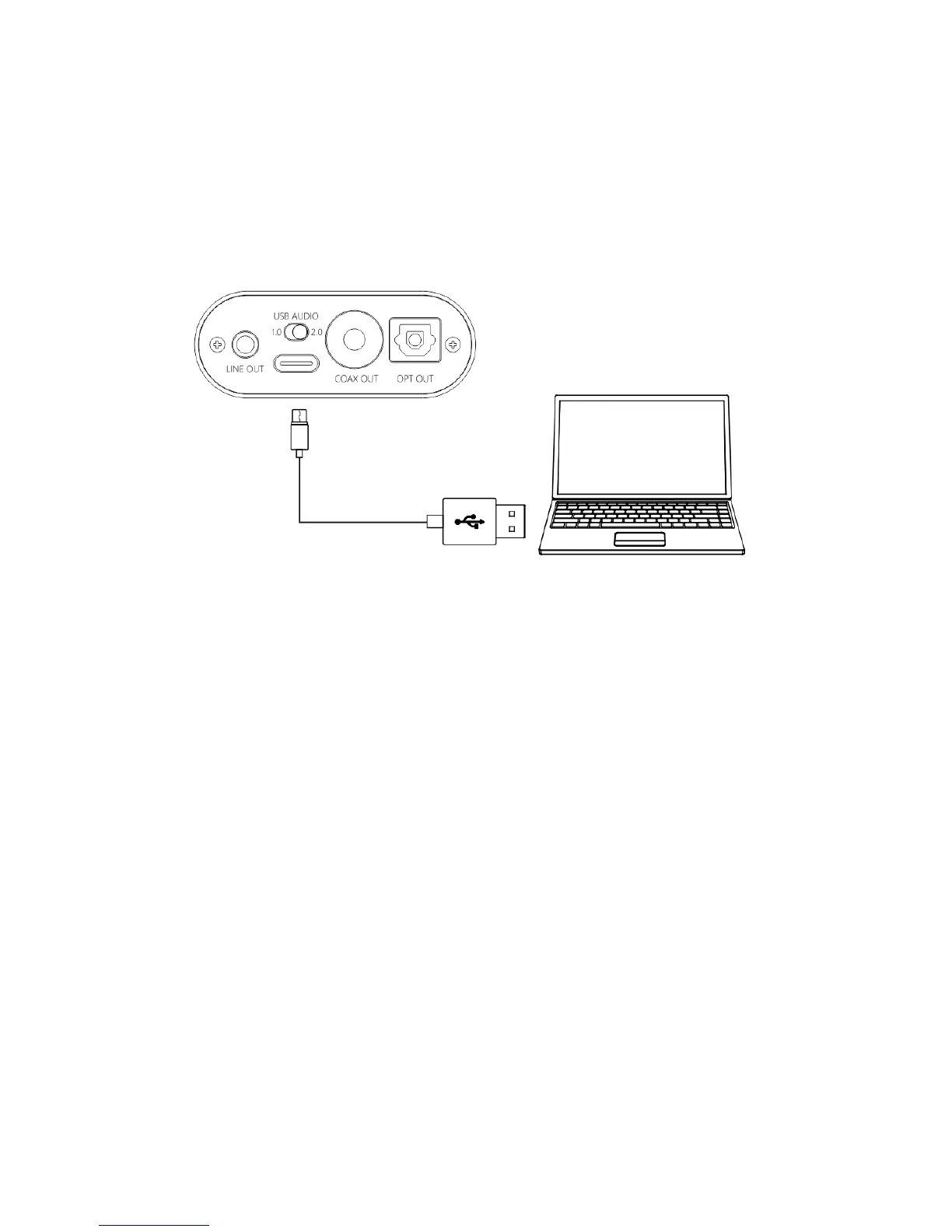
Step 1, select the appropriate USB mode and connect to the
computer with the data cable
USB Audio 1.0, decoding sampling rate can reach 96k/24bit, no
need to drive
After connecting the data cable, turn the power/volume knob
clockwise until you hear a click and the device turns on.
Select the K3 device on the computer side.
USB Audio 2.0, decoding sampling rate can reach 384k/DSD256,
driver needs to be install in Windows.
After connecting the data cable, turn the power/volume knob
clockwise until you hear a click and turn the device on.
For the MAC computer, there is no need to install the driver, but
need to select K3 as sound device in Mac.


 To Next Page