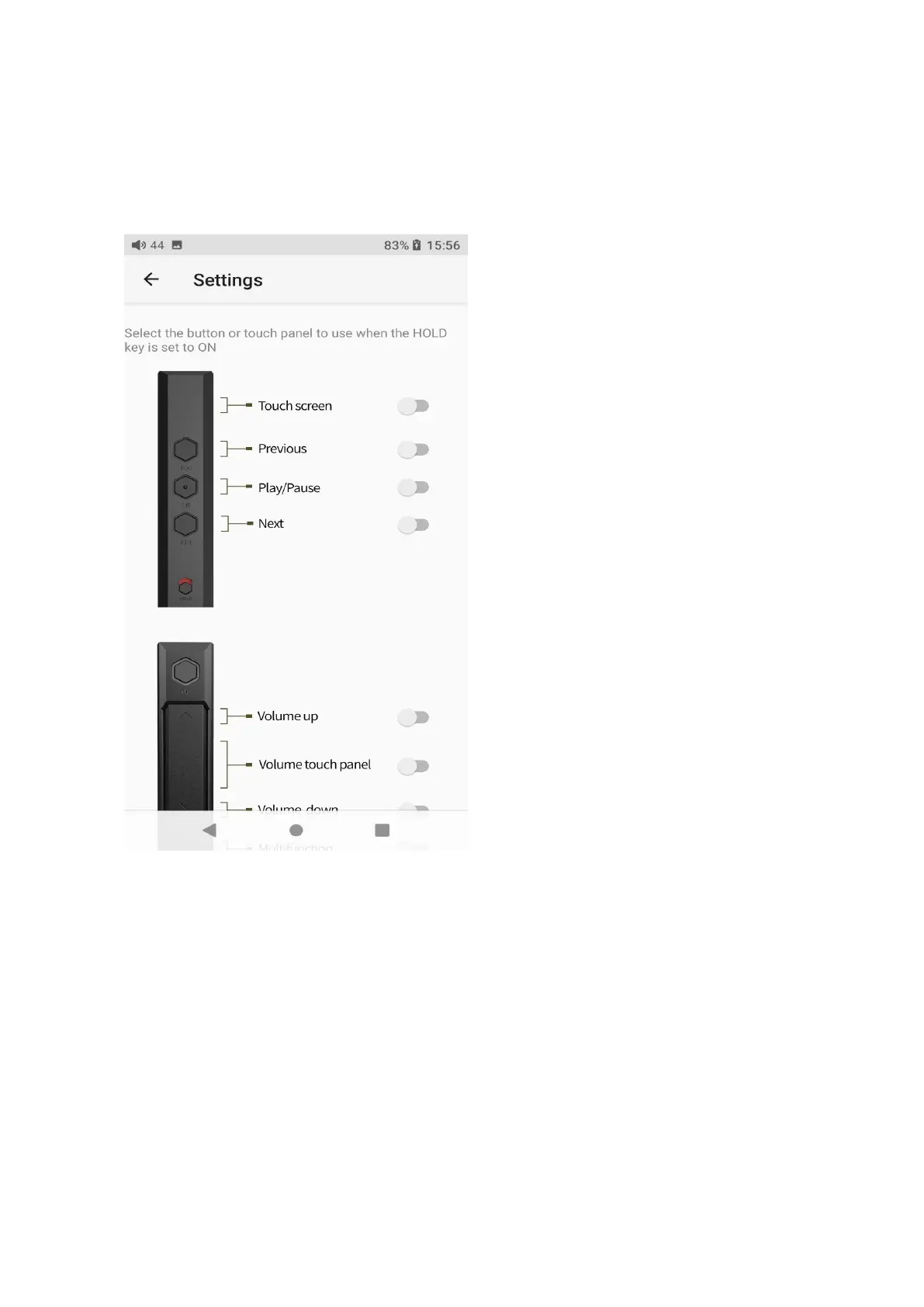
If the HOLD switch is turned on, you can enable/disable any buttons or the
volume touch panel.
Volume touch panel settings
Long or short press the volume+/- button can adjust the volume, or you can
adjust it by sliding on the volume touch panel.
【How to make the settings】Go to the menu of Settings->Global->Volume



 To Next Page