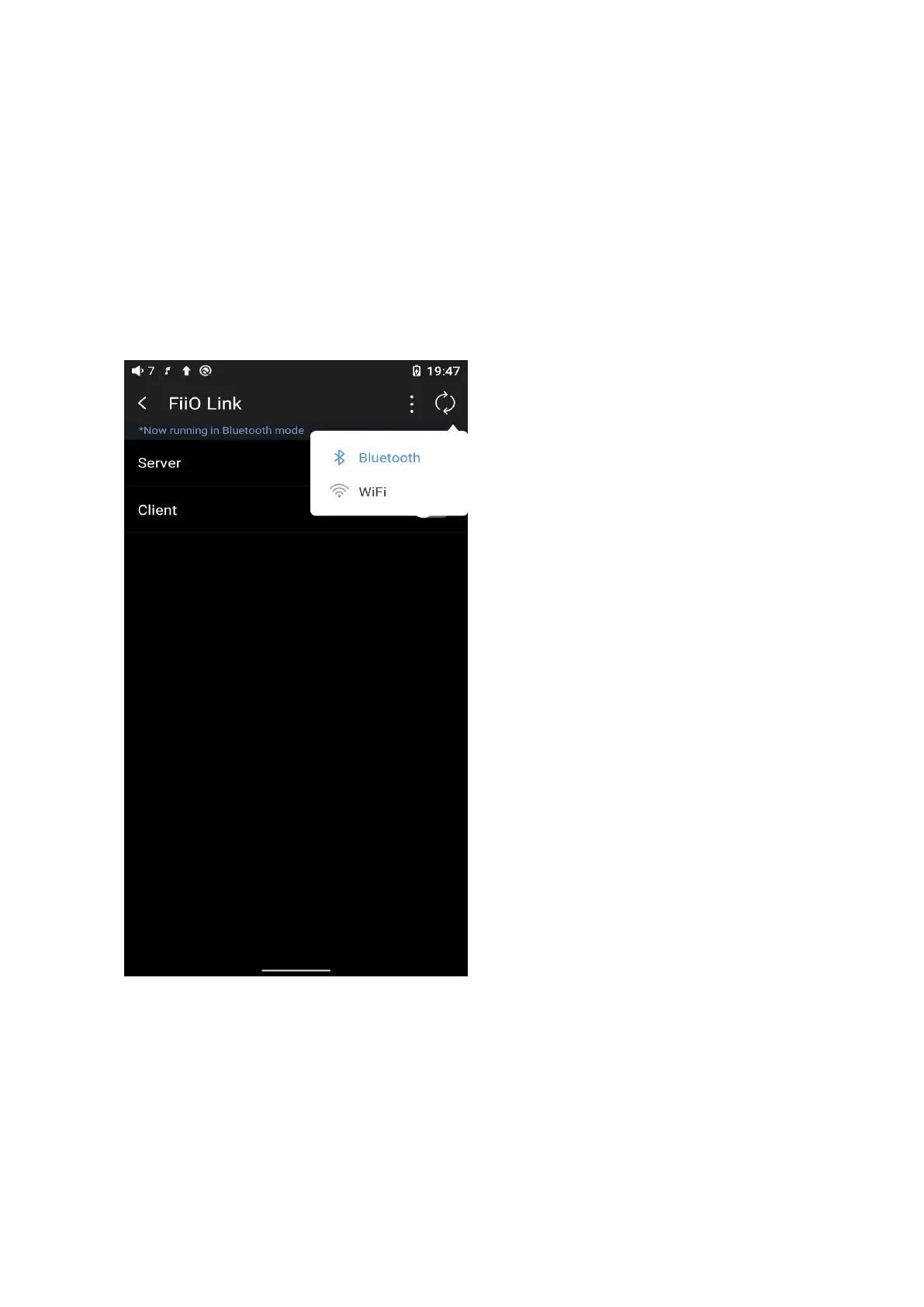
right corner of the display), choose Bluetooth as the Server.
2) Connect the M11 Plus to the mobile phone through Bluetooth.
3) On the FiiO Music app of the mobile phone, Settings->FiiO Link->┆ (on the
upper right corner of the display), choose Bluetooth as the Client.
Notes: iPhones only support FiiO Link WiFi control but not Bluetooth.
4. FiiO Link Wifi control



 To Next Page