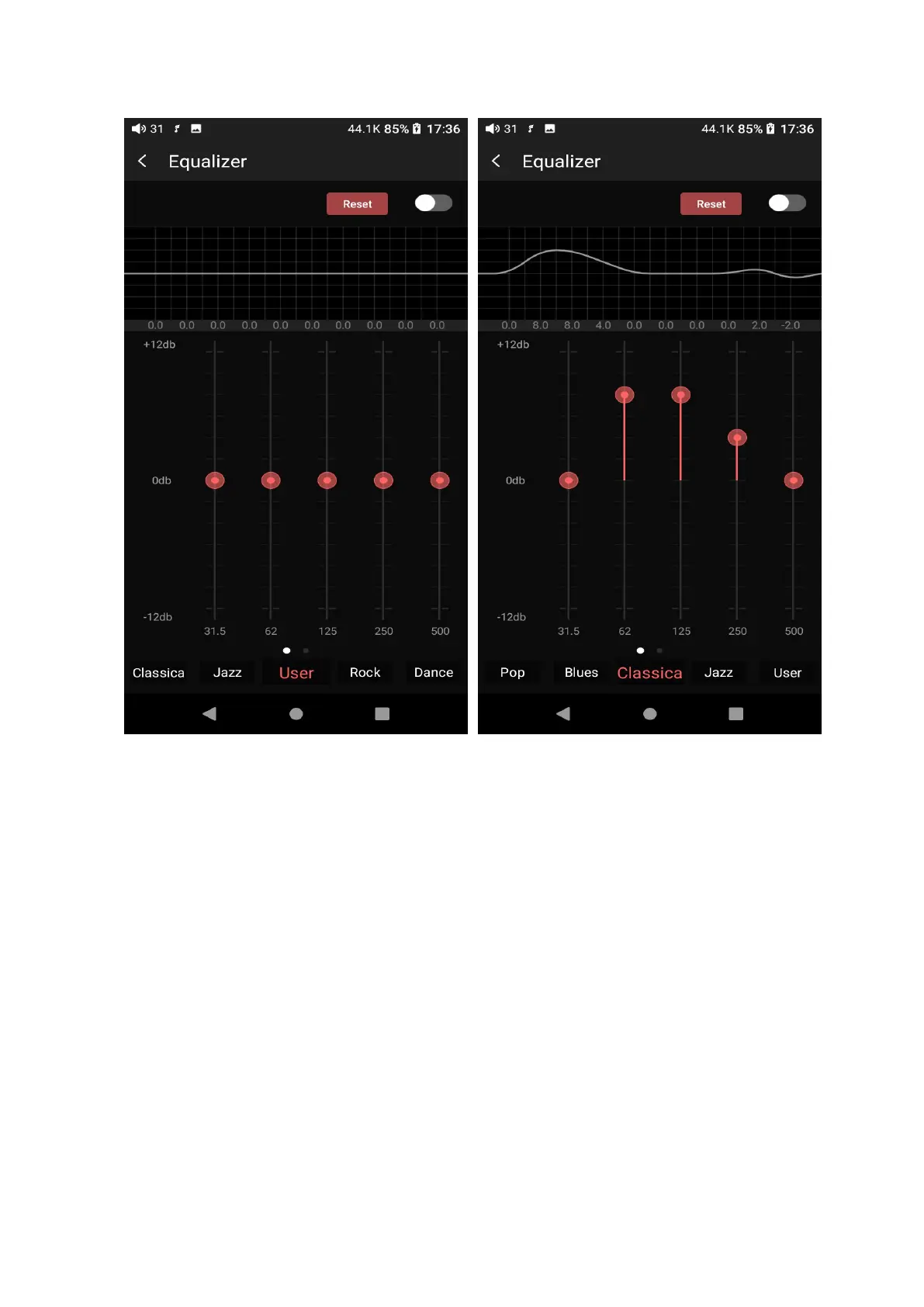
Choose preset EQ: swipe left or right on the bottom of the screen to switch
equalizer.
Customized EQ: drag the corresponding frequency band up and down to
slightly adjust the EQ curve (on the bands page, switch left and right to change
the option). Successively adjusting the EQ in need, it will immediately take effect.
Reset EQ: Tap the Reset button at the upper right corner to reset the present EQ.



 To Next Page