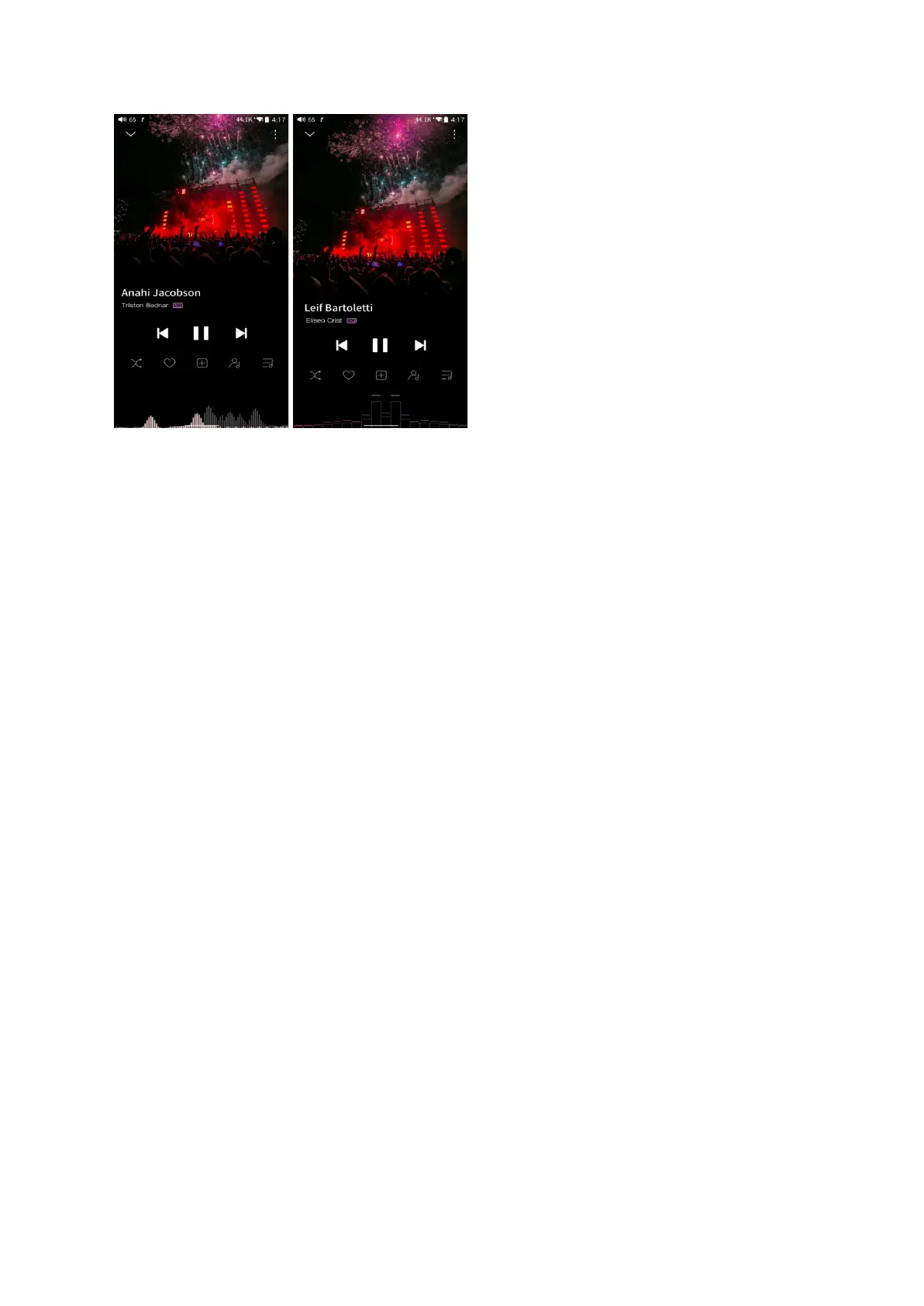
FiiO Music app keeps upgrading and maintaining. For the newest instruction, please visit our
official forum:
https://forum.fiio.com/note/showNoteContent.do?id=202105071626425774349&tid=17
Instructions for commonly-used functions
1. Screenshot
The M17 supports screenshot: swipe down the screen with 3 fingers, or hold the power and
volume down button at the same time.
The screenshot is stored in FiiO M17\Files\Internal storage\Pictures\Screenshots.
2. USB Audio digital output
The M17 supports connecting to external decoders (USB Audio). Follow the steps to enable
it.
1) In the FiiO Music app, turn on the USB output
2) Use an OTG adapter cable to connect the M17 to the external decoder.



 To Next Page