3) Starting up the FiiO Music app or any music app, the M17 can work as a USB digital
device.
It supports most decoders on the market. For those unsupported, please turn off the USB
output in the FiiO Music app, or unplug and re-plug the USB device after exiting the FiiO
Music app to try playing again.
3. FiiO Link Bluetooth control
There are mainly 3 steps.
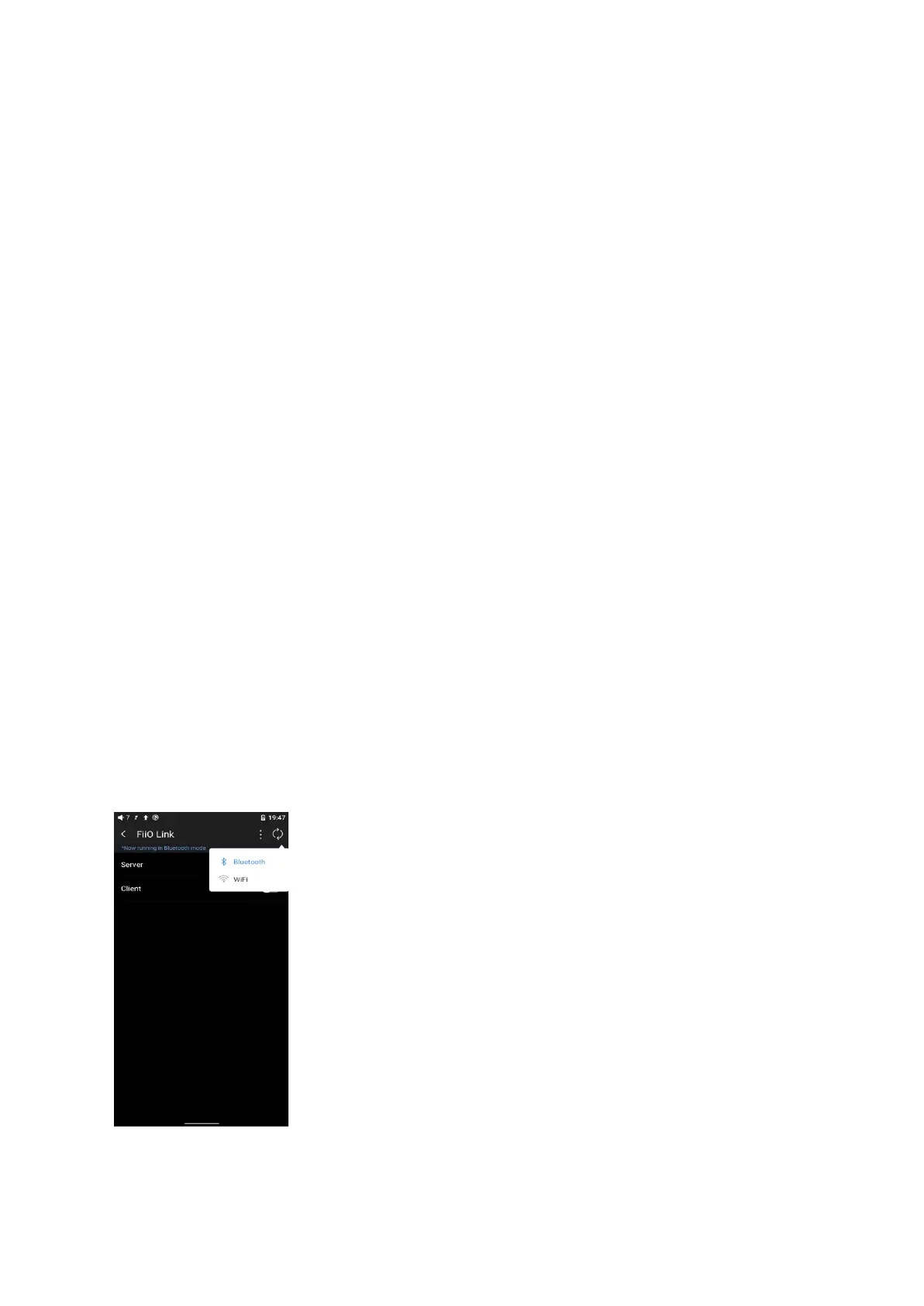
1) On the FiiO Music app of the M17, Settings->FiiO Link->┆ (on the upper right corner of
the display), choose Bluetooth as the Server.
2) Connect the M17 to the mobile phone through Bluetooth.
3) On the FiiO Music app of the mobile phone, Settings->FiiO Link->┆ (on the upper right
corner of the display), choose Bluetooth as the Client.
Notes: iPhones only support FiiO Link WiFi control but not Bluetooth.



 To Next Page