Adjusting the brightness of the M21.
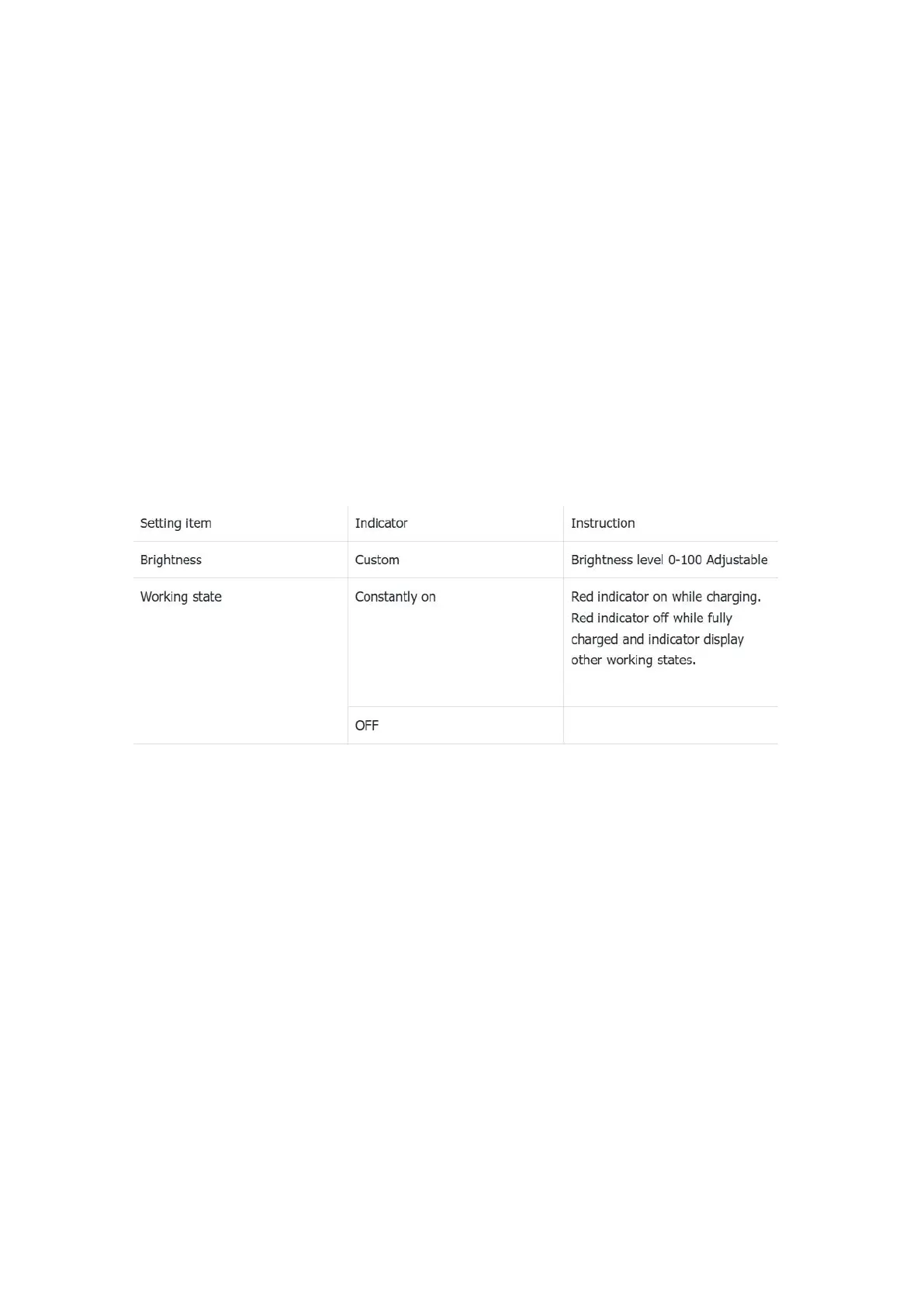
Indicator light control
Working: while working, two states can be set: constantly on and off
On/off with the display: After enabling it, the indicator will on on off
synchronously with the screen
Indicator colour setting instruction:
Night light
The color of the display screen will be adjusted in amber under Night light mode.
You could enable the Night light mode at a custom time , or from sunset to
sunrise.
Screen timeout
Consistent with the screen saver time. Adding this option to make it easier for
users to adjust the time.



 To Next Page