7
Cover
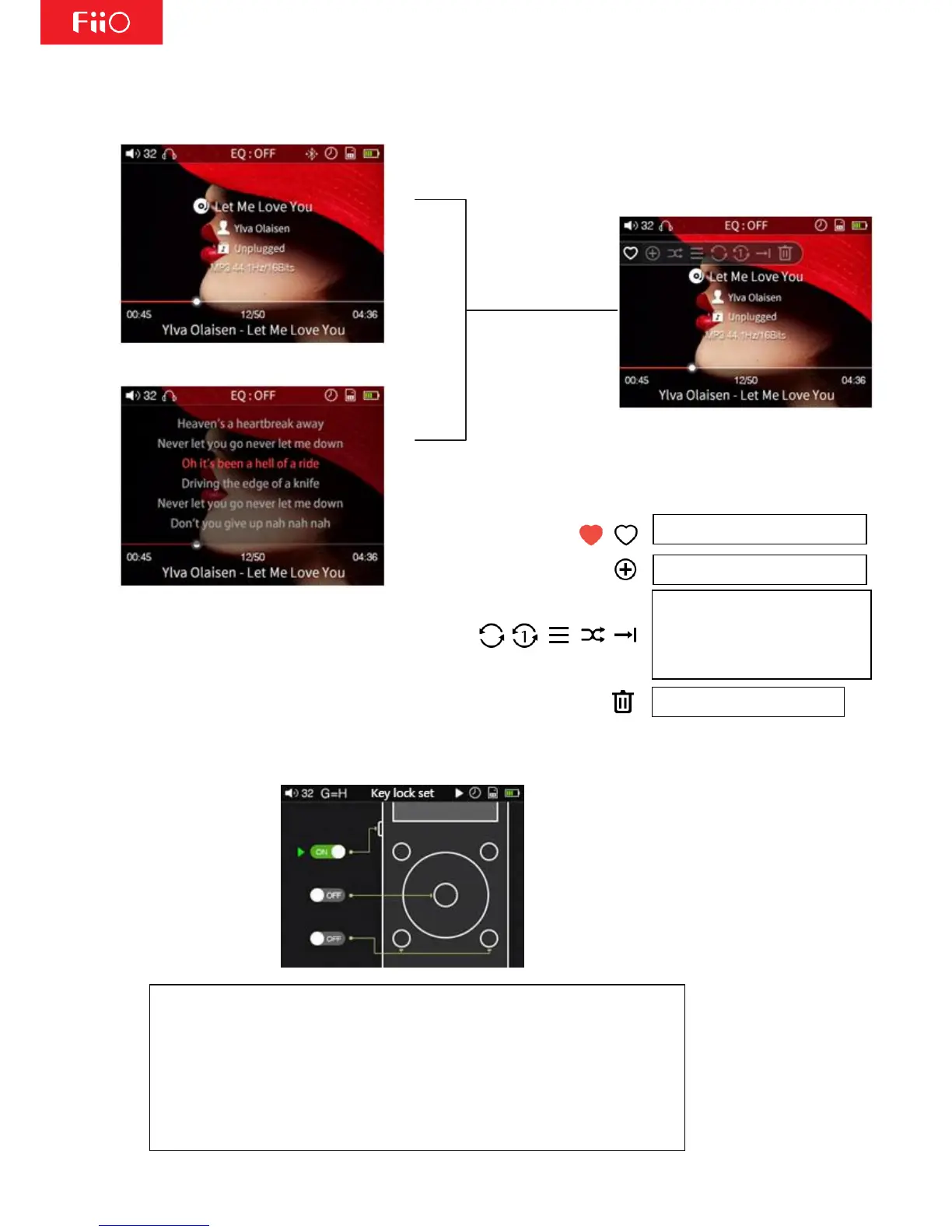
Briefly press
the shortcut key
Lyrics
Use the scroll wheel or the
"Previous" and "Next" buttons
to switch between shortcuts
2. Key-Lock Settings
Key-lock settings: Go to "System settings>Key-lock settings" and you could
see three button settings: Multifunctional button, OK button and Prev/Next
button. You could use the scroll wheel and confirm button to set the button
on/off to your preference.
When the button is set to ON, under lock-screen, this button could work;
when it's set to OFF, this button couldn't work under lock-screen.
Note: under lock-screen, click the volume button to adjust volume and long
press the volume button to switch.



 To Next Page