gy or any discomfort.
Downloading and binding of smart watch APP
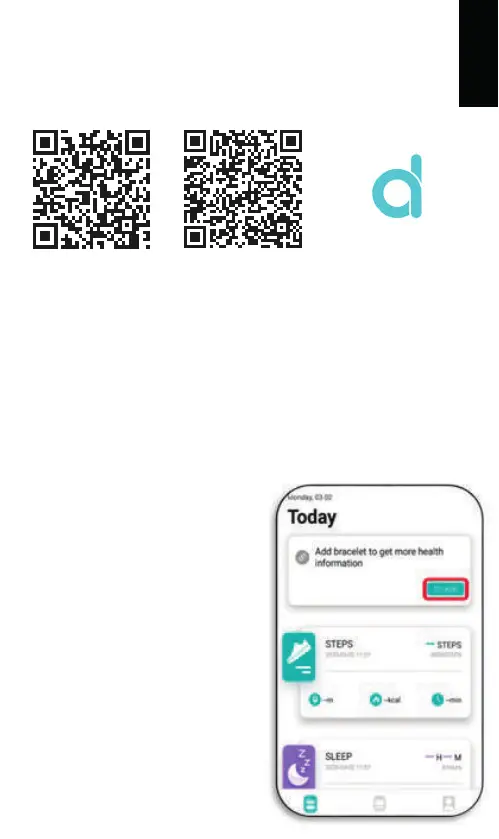
1. Download from Apple Store or Google play and install APP or
scan QR code with mobile phone to download APP.
2. Pairing smart watch with APP: Please do not pair the watch
directly to your phone’s Bluetooth.
If you have already performed this operation, please remove
it from the list of paired devices as it will prevent the
connection to the APP.
2. Pairing smart watch with APP: Please do not pair the watch
directly to your phone’s Bluetooth.
If you have already performed this
operation, please remove it
from the list of paired devices as it
will prevent the connection to
the APP.
2.1. Open the APP
2.2. Update your personal details
(gender, birth year, etc.) and press
the check mark.
Once done, grant all permissions
requested by the APP.
2.3. To link the watch to your
phone press “To Add”.
ENGLISH
APP / APK: Da Fit
AndroidiOS



 To Next Page