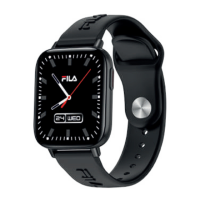
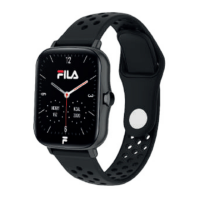
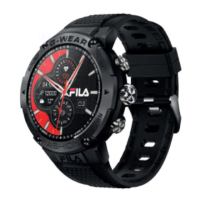
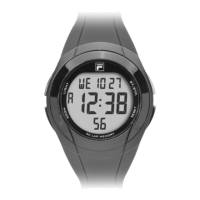
SW-29
ENGLISH
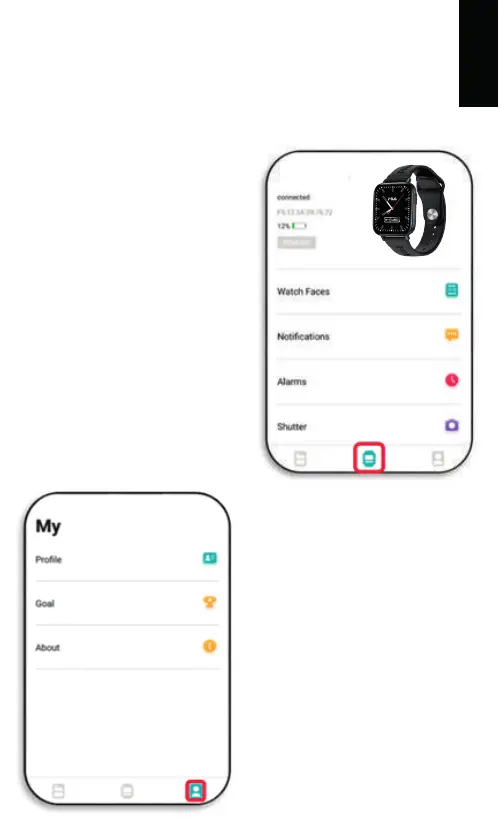
Here you can set up notifications,
alarms and the background
image (can be personalized).
In “Others” you can establish
time format (12/24 hours),
reminders, etc.
2.6. The last icon, on the
lower right, will show “My”
screen. Here you can complete
the details of your profile and
establish your objectives.
2.4. The phone will search, and display, SW-29
Select it to pair the watch to your phone.
Once synchronization is complete your watch will display
local date and time.
2.5. When you press the watch icon (bottom middle) you will see
the following screen:



 To Next Page