DOWNLOADING
STEP 3
Connect to FiLIP
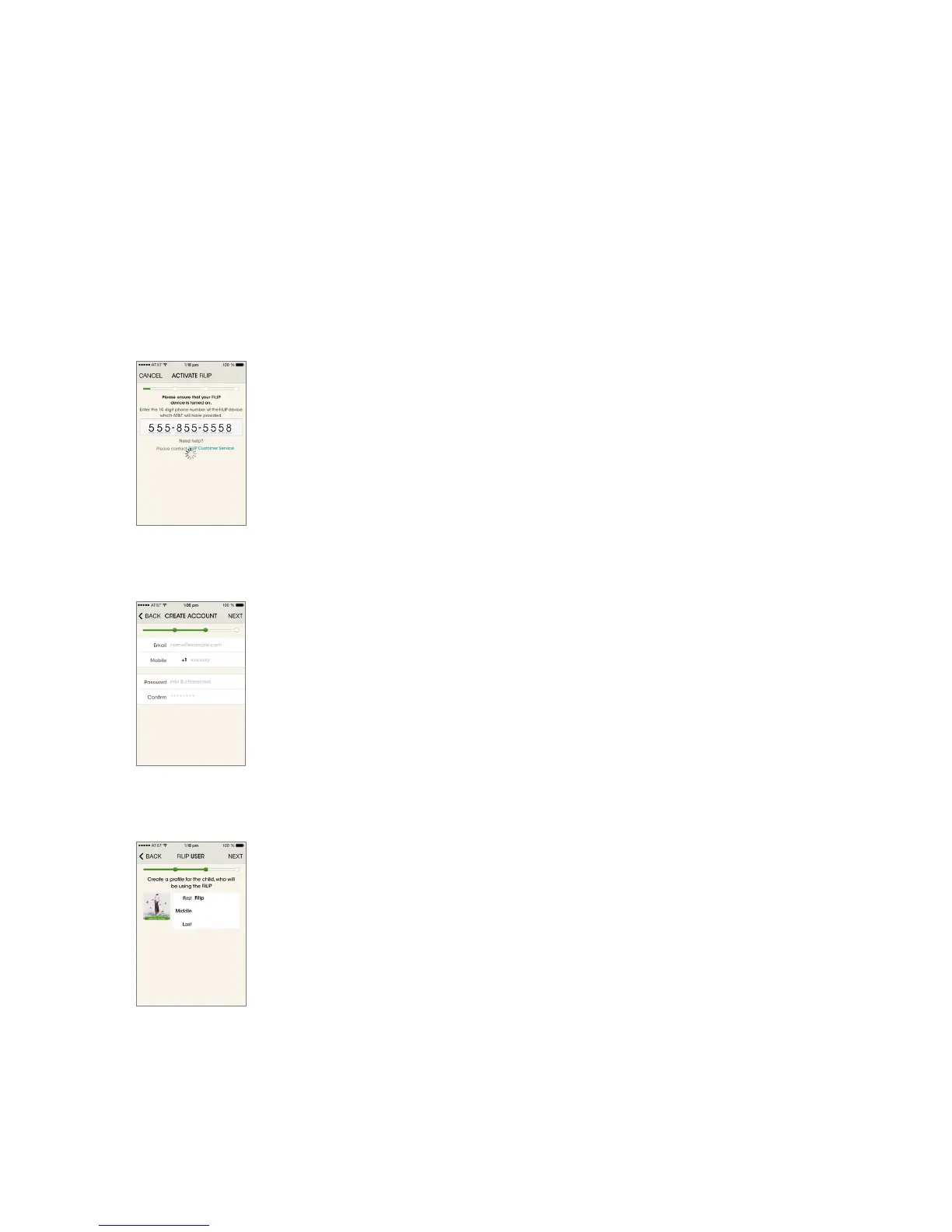
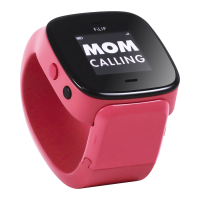
Turn on your watch by holding down the red button. Enter the 10 digit telephone
number of the FiLIP watch (available from your AT&T receipt).
Please remember to add this number to your contacts.
On the next screen, enter the last 6 digits of your unique activation code, which
appears on the screen of your FiLIP watch .
Create a profile for your child by entering the required details and attaching a photo.
Select NEXT to save your settings and move on to the next section.
You will automatically be the primary contact and you can enter up to four additio-
nal contacts from your smartphone’s address book or enter them manually. These
are the only five contacts that can communicate with your child’s FiLIP watch. You
choose if you wish these contacts to be contacted in an emergency by selecting the
ON/OFF button.
The 911 emergency service number for the USA CANNOT be stored as a contact on
the FiLIP watch. Similarly, emergency service numbers for other countries should
not be stored as contacts.
After clicking NEXT, your registration is complete. The FiLIP watch will not appear in
your online account until it’s fully charged, switched on and has connected itself to
the cellular network.
Other options can now be set up via the smartphone app.



 To Next Page