CALLS AND MESSAGES
Calling from your smartphone
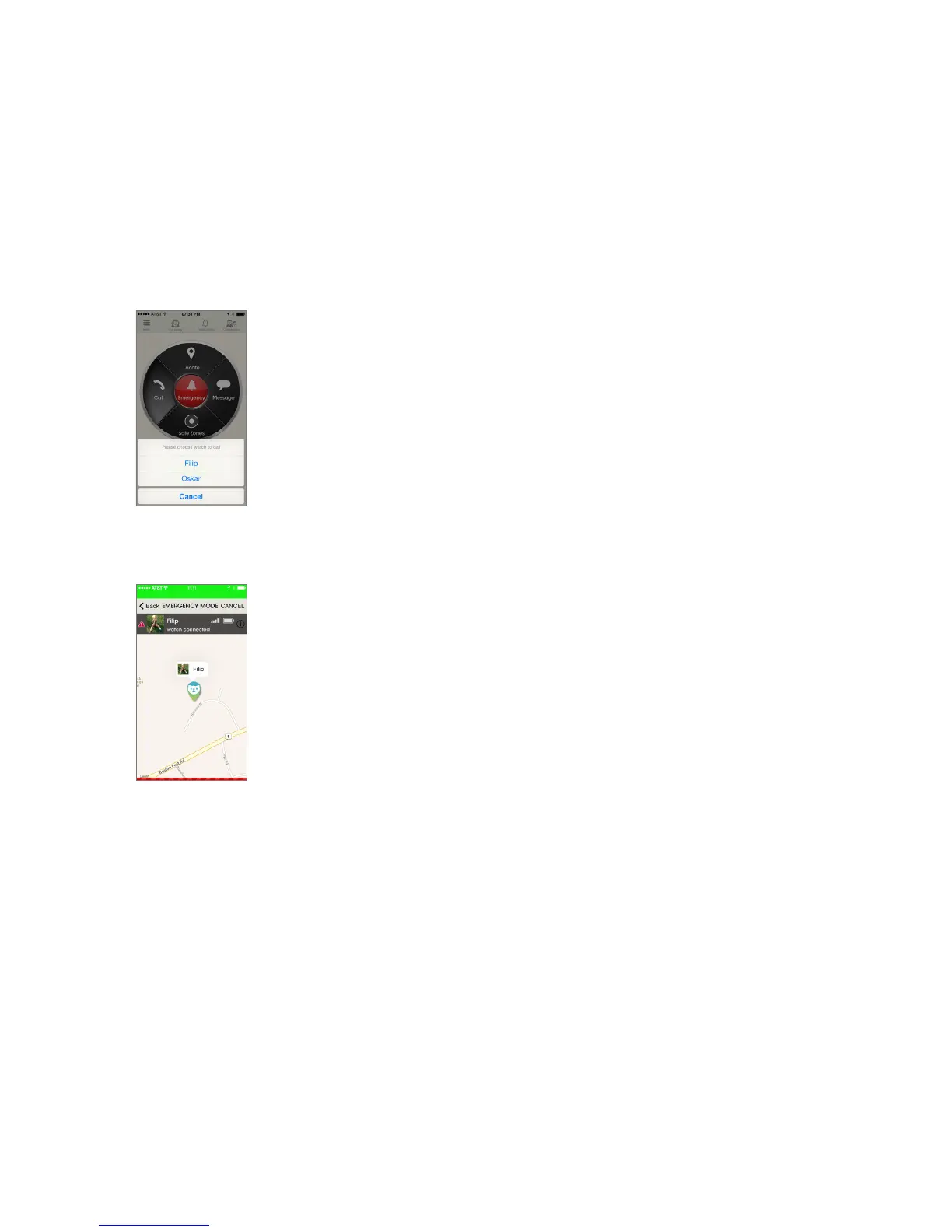
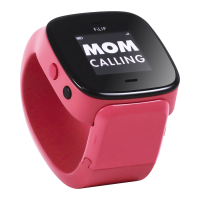
To call your FiLIP watch from the smartphone app, tap the Call button on the main
screen. If you have more than one FiLIP watch, select the watch you want to call.
The number of the FiLIP watch will now be displayed on-screen. Tap Call again. You’ll
be connected just like a standard cellphone call. When you’ve finished talking, end
the call in the usual way.
Sending a message
To send an SMS text message, tap the Message option from the main screen. Now
select the FiLIP watch you want to contact. Type a short message of up to 16 charac-
ters and tap Send. Please remember that message replies cannot be sent from the
FiLIP watch.
Emergency mode
When emergency mode is activated, the FiLIP watch immediately transmits its
location to the smartphone app, it starts recording via its built-in microphone and it
also calls your nominated emergency telephone numbers, starting with the primary
number until someone answers.
To activate Emergency mode, tap the Emergency button in the center of the main
screen. Select the FiLIP watch you want to monitor and you’ll be shown the status of
your chosen watch. As soon as the FiLIP watch has been located, its current location
and battery condition will be displayed.
Tapping the arrow next to the watch name will show the Overview screen.
Canceling emergency mode
A red triangle is displayed on the locate screen during emergency mode. To cancel
emergency mode, tap Cancel button.



 To Next Page