3
Digital Fillmaster Dispenser Installation
Install the Digital Fillmaster after you have reached step 5.6 of the Water Purication System
installation instructions (page XX).
The installation will need to be completed in four parts:
• Part One: Mounting the Dispenser
• Part Two: Connecting Digital Fillmaster to Water Purication System
• Part Three: Installing the Battery
• Part Four: Activating the System (refer to page XX)
NOTE: All four parts MUST be completed before using the Digital Fillmaster for the rst time.
Part One: Mounting the Dispenser
Install the dispenser less than 50 feet away from the Water Purication System. For an easy way
to measure, use the extra tubing from Section 5 to measure from the Water Purication System to
the desired mounting location.
Tools Needed:
• Drill with 1/8” bit
Parts Needed:
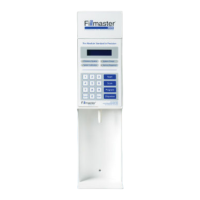
• Digital Fillmaster dispenser
• Three screws (provided)
Dispenser Installation Steps:
1. Determine a location to mount the dispenser. The location
should be less than 50 feet from the Water Purication System.
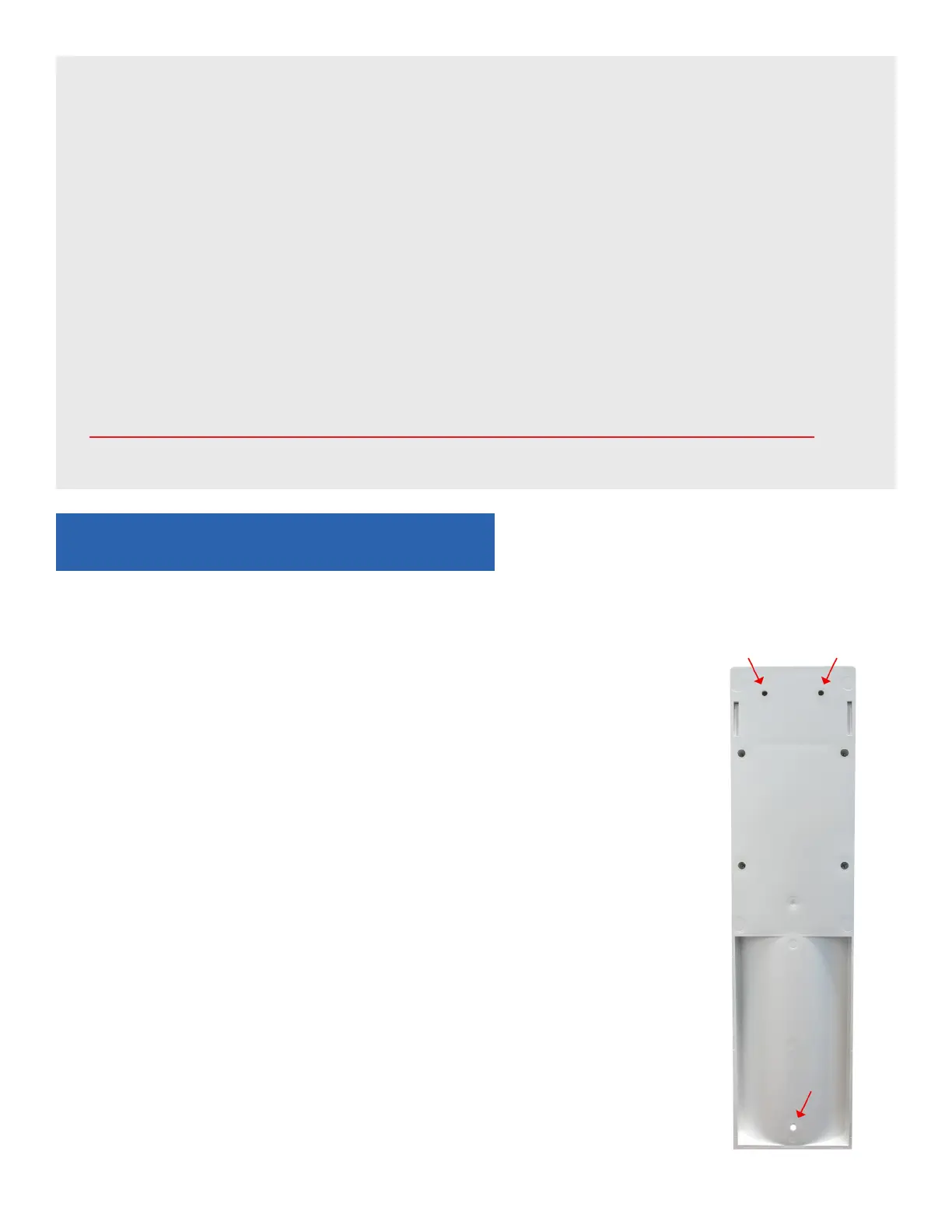
2. Insert the three screws provided in the mounting holes located
at the top (2) and at the bottom of the unit (1), and mount on
the wall using the drill.
3. Continue to Part Two: Connecting Digital Fillmaster to
WaterPuricationSystem.


 To Next Page