Fillmaster Auto™ | User Guide
5
Parts, Digital Touch Screen
& Display
All of the following pieces should be included in your Fillmaster Auto package. If
anything is missing, please contact us at 1-888-284-7873.
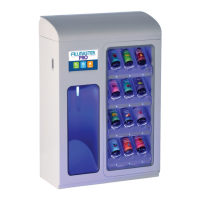
(1) Fillmaster Auto Dispenser
(1) NDC Database (SD Card)
(1) Power Supply
(1) Installation Hardware
(1) FLAVORx Marketing Materials
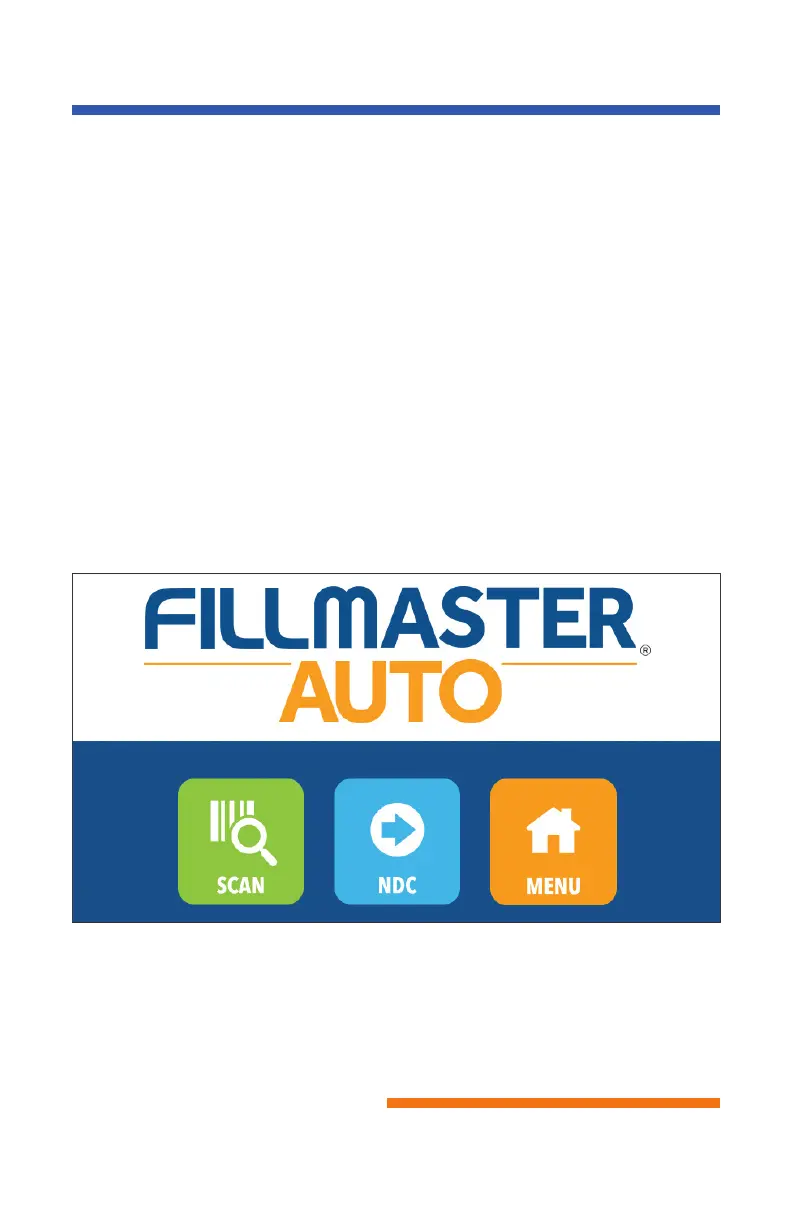
Touch “Scan” to
turn on the scanner
on the left side of
the machine. Once
activated, scan
NDC on medication
Touch “NDC” to
type in the full 11
digit NDC
Touch “Menu” to
find more screens
to help you learn
more about the
Fillmaster Auto
Fillmaster® Systems, LLC
9475 Gerwig Lane, Columbia, MD 21046
1-8
00-884-5771 • www.fillmastersystems.com



 To Next Page