Fillmaster Pro™ | User Guide
8
Helpful Tips
• When dispensing, Do NOT insert the dispensing tip directly into the bottle
of medication.
• To select a flavor, press the picture of the flavor desired. Flavors that are
recommended as “best matches” will be indicated (only the illuminated
flavors will work for that medication).
• You can flavor commercially prepared medications or OTCs.
• If a medication has already been flavored with FLAVORx®, in most cases
you can reflavor it with another flavor if the customer requests it. Please
contact FLAVORx® Technical Support for specific reflavoring instructions,
Flavoring
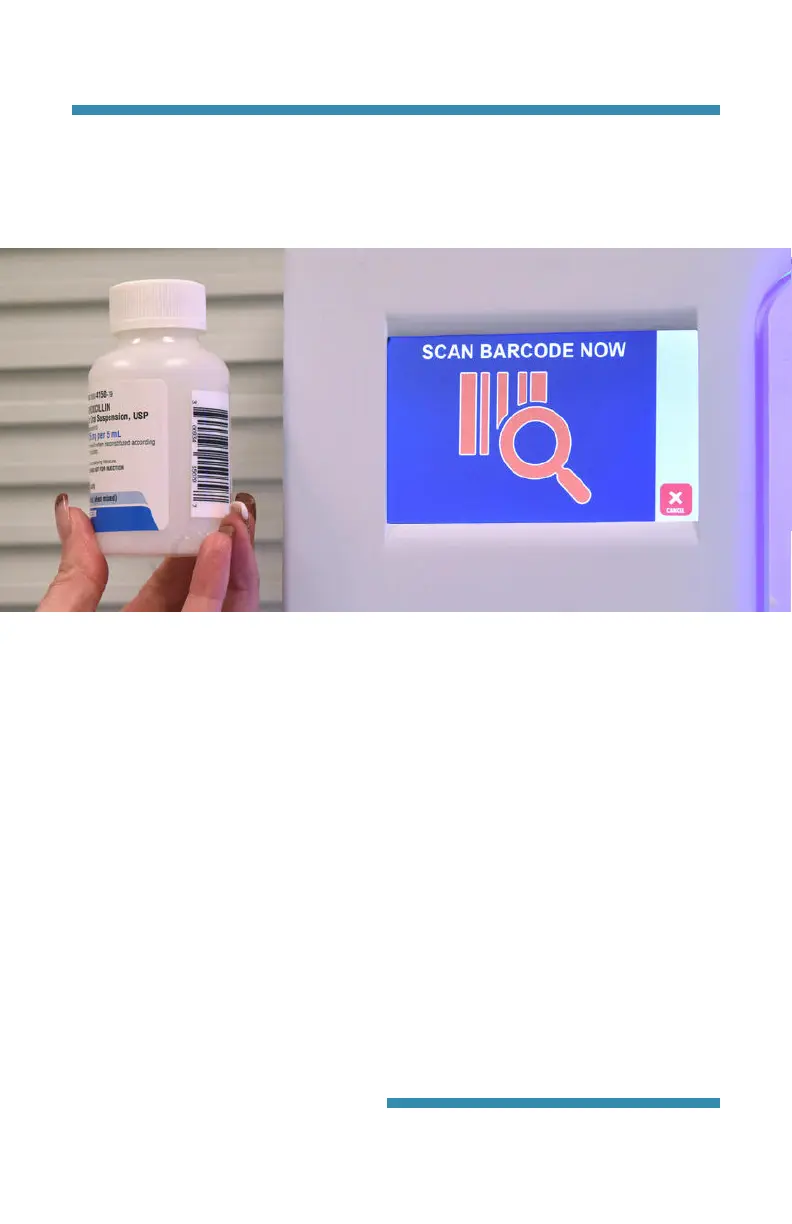
• Hold the barcode about 3 inches away and parallel to the window on the
scanner and move it side to side.
• Do NOT cover the barcode on the stock bottle with the prescription label.
• Check the display screen to confirm the drug.
• To enter NDC numbers directly without scanning, press “NDC” on the
touch screen and enter all 11 digits of the NDC.
Scanning
Fillmaster® Systems, LLC
9475 Gerwig Lane, Columbia, MD 21046
1-800-884-5771 •
www.fiillmastersystems.com


 To Next Page