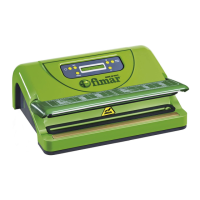
▬▬▬▬▬▬▬▬▬▬▬▬▬▬▬▬▬▬▬▬▬▬▬ BELL PACKAGING MACHINE MCD
346-062-3.fmIDM
- 22 - English language
USE INSTRUCTIONS
Language selection and date and time setting up
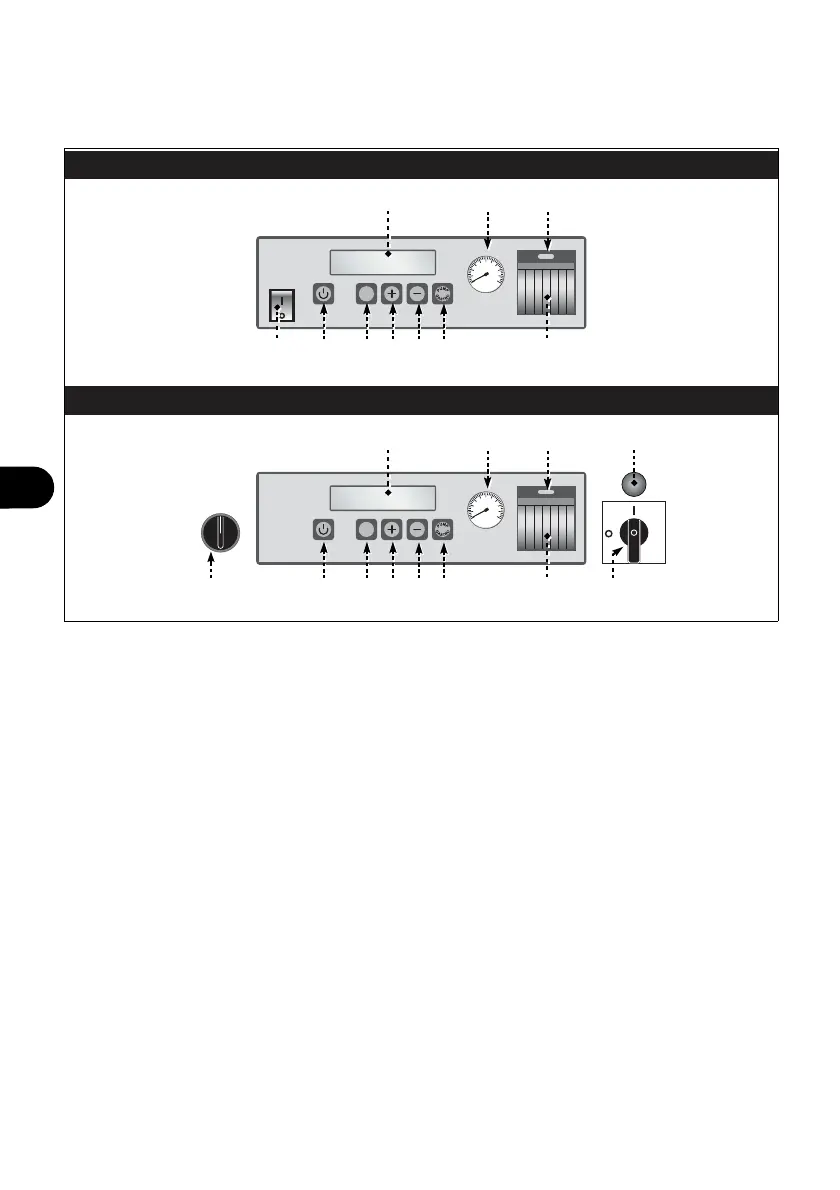
1. Press main switch (A) (MCD - MCD/S) or operate selector (N) (MCD/CS) to activate the
power supply of the equipment.
2. Press buttons (B-D) at the same time.
3. Press one of buttons (E-F) to select the desired language.
4. Press button (D) to confirm the selection.
5. Use buttons (E-F) and button (D) to set up the data, the current time and the operator
name in the same way (for model MCD/S - MCD/CS only).
Vacuum pump pre-heating
It is recommended to carry out the pre-heating operations of vacuum pump at the first daily
switching on, especially in the winter period.
1. Press main switch (A) (MCD - MCD/S) or operate selector (N) (MCD/CS) to activate the
power supply of the equipment.
2. Press the button (G).
3. After about 15÷20 seconds press button (G) to stop vacuum pump.
Setting up of working programmes
The equipment is provided with 20 programmes that can be set up.
1. Press main switch (A) (MCD - MCD/S) or operate selector (N) (MCD/CS) to activate the
power supply of the equipment.
SET
SET
MCD / CS
MCD - MCD / S
IDM-34606200702.pdf
C
L1H
F GE
C
DB L
L1H
F GEDBA L
P
M N


 To Next Page