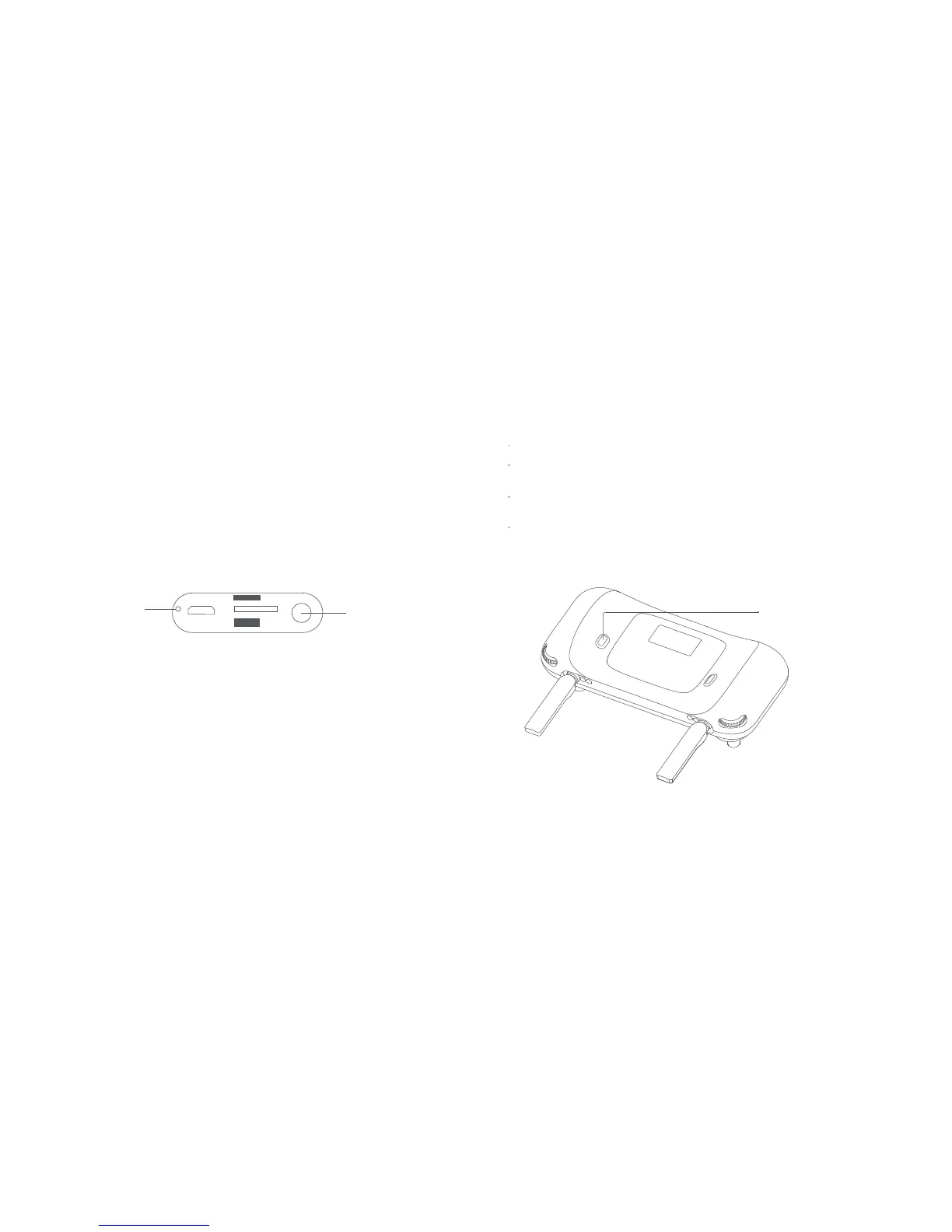
AV - OUT
Reset hole
4 AV - OUT interface
Note: The reset hole can provide the hardware reset for the
remote controller.
5 Shooting and Recording
Shoot/Record button
Short press the shoot / record button to take a picture.
Long press the shoot / record button to start recording.
Long press again to stop recording.
During recording, short press the shoot / record button to
capture a picture.
The pitch angle of the gimbal can be controlled by toggling the
left dial up and down.
The right dial defaults to adjust EV.
.
Users can connect the FPV glasses through the AV-OUT
interface to experience the flight of the first perspective, or
connect the monitor, etc., to view real-time image transmission.



 To Next Page