Calibration
2 Gimbal calibration
Click Gimbal Calibration and enter the calibration page in the remote
controller setup menu.
After the aircraft is placed smoothly, click to start calibration. Don't move
the aircraft during the calibration process.
After the calibration is completed, the remote controller interface shows
successful calibration.
If the remote controller interface shows unsuccessful calibration, please
retry it.
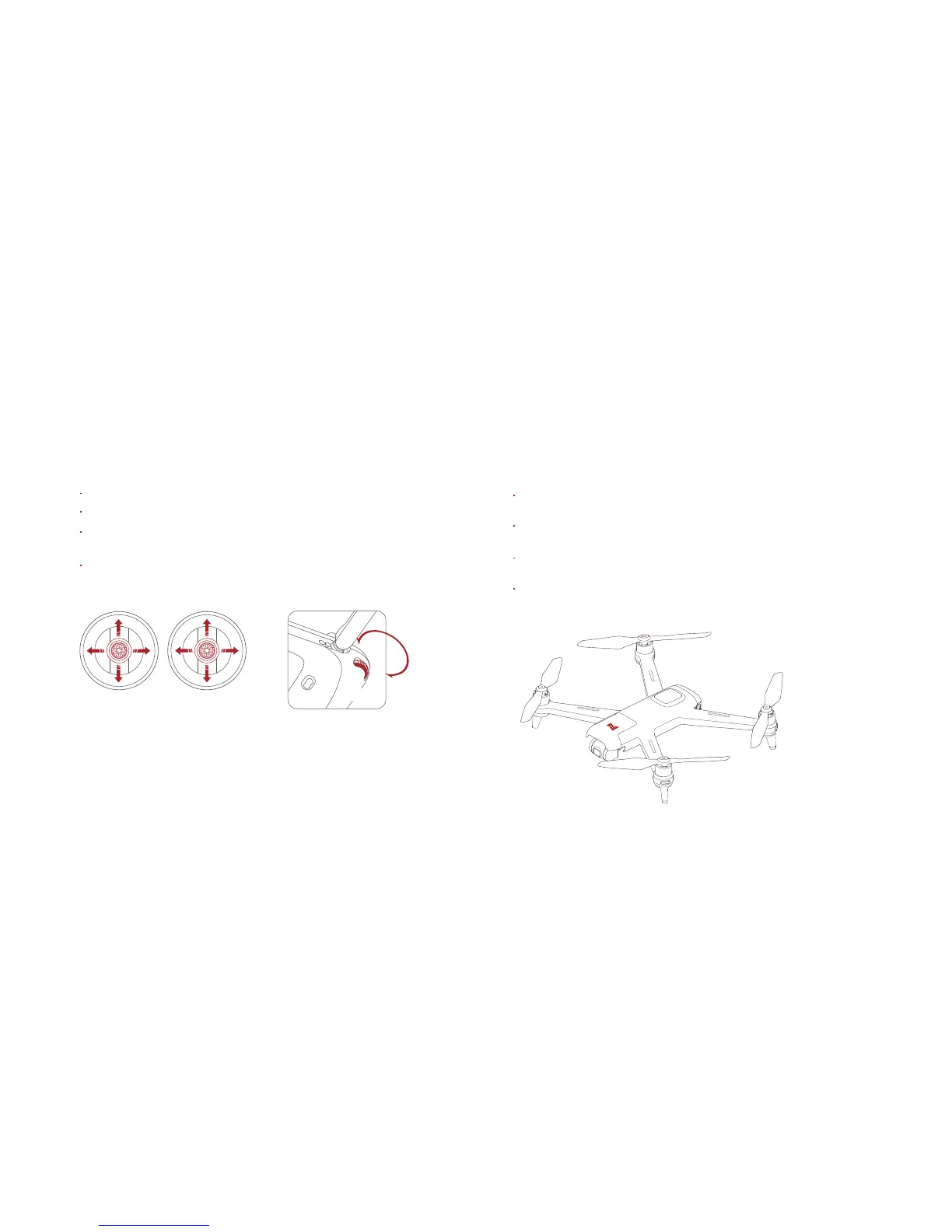
1 Remote controller calibration
Select "RC Calibration" in the remote controller setup menu.
Click [OK] to start remote calibration.
Push the two sticks to the maximum extent in the four directions
as shown in the figure until the calibration is complete.
Move the left dial to the upper and lower directions as shown in
the figure to the maximum extent until the calibration is completed.
Note: When the remote controller is calibrated, please turn off the
power of the aircraft.
Left dial
Left stick Right stick



 To Next Page