Camera Settings - Camera
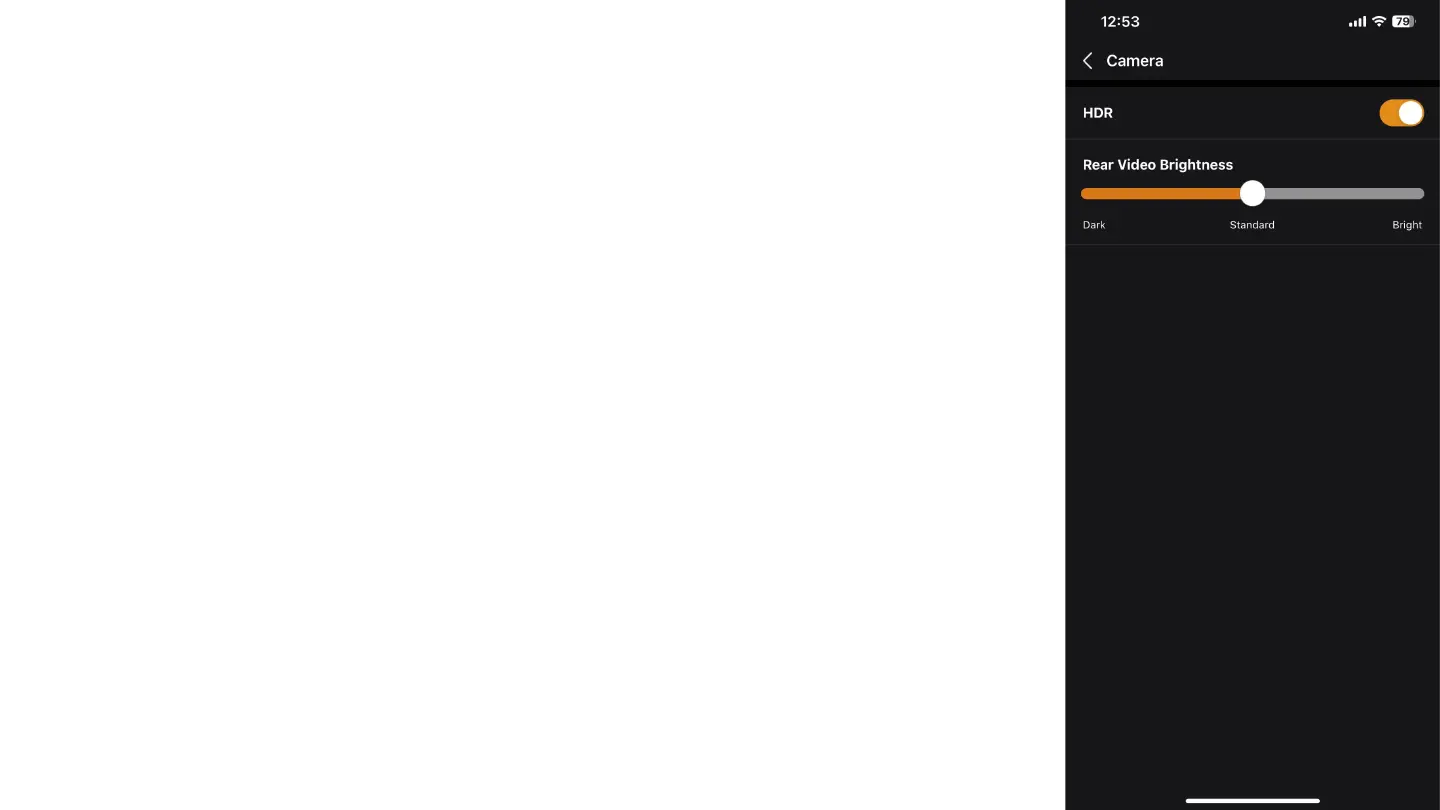
In the "Camera" tab, you can configure the following options:
○ HDR: Enable the HDR (High Dynamic Range) function to improve video quality.
HDR helps capture more details in scenes with high contrast lighting, such as
when driving in areas with both shadow and light simultaneously.
Rear Video Brightness: Adjust the brightness of the rear camera video.
If the rear window of the car is tinted, increase the brightness to high (High).
If the rear window is clear, you can leave the setting at standard (Standard).



 To Next Page