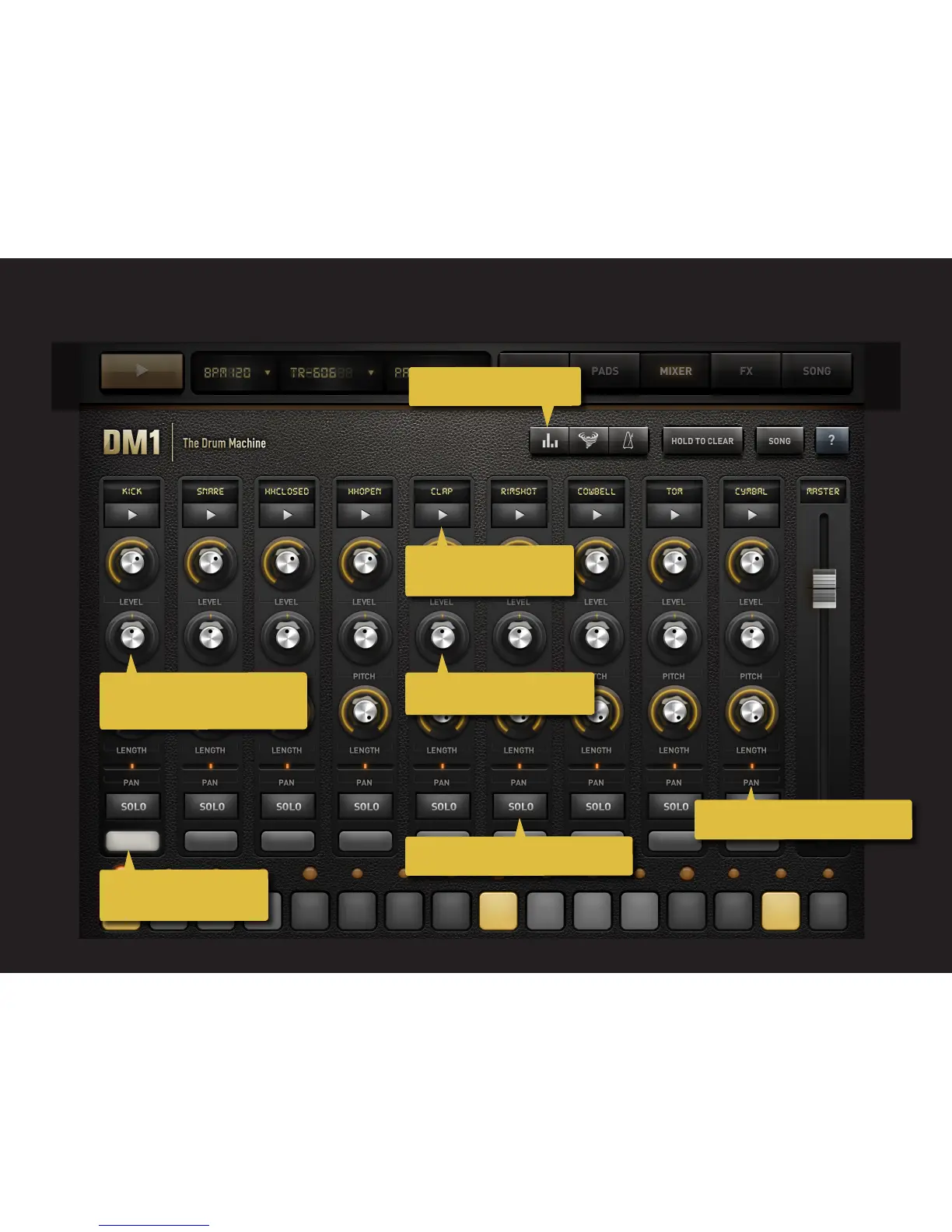
2.3 MIXER
12
Tap to open the automation.
Tap to select a sound from
another Drum Kit.
Swipe verticaly to change value.
Tap to solo or double-tap to mute track.
Double tap to reset the parameter to
its default value.
Swipe right or left to change the pan.
Display the selected track
on the Step line below.



 To Next Page